 Search Tips
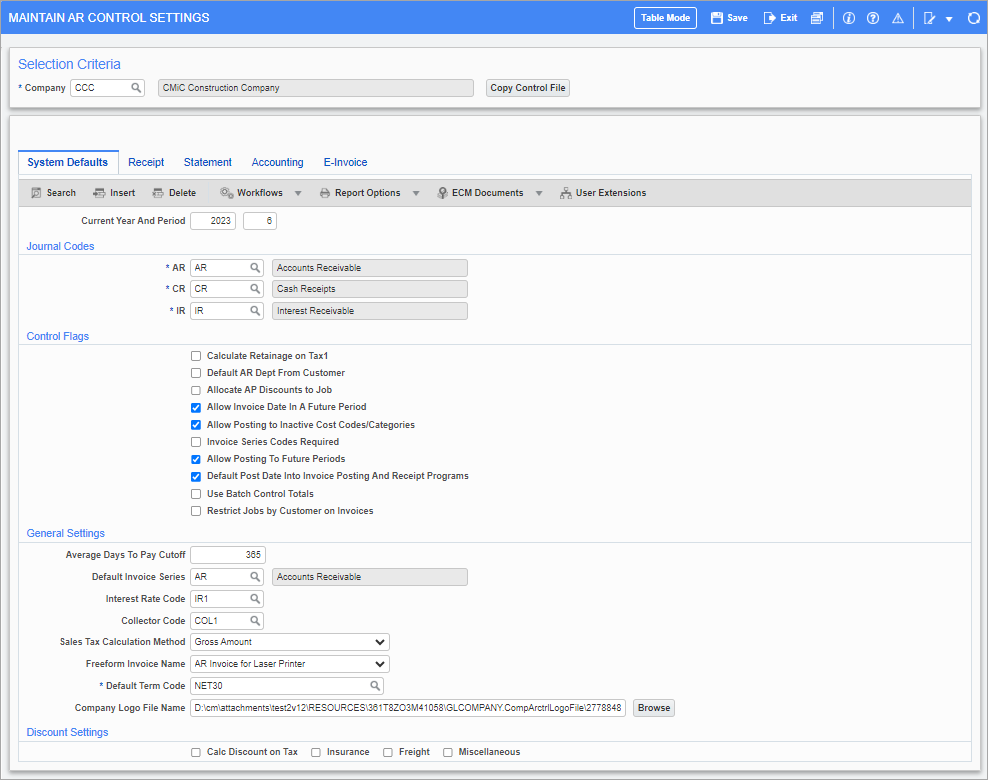
Pgm: ARCTRLFM – Maintain AR Control Settings; standard Treeview path: Accounts Receivable > Setup > Local Tables > Control File Options
The AR Control File is used to specify general information for the Accounts Receivable module for each company. This screen consists of four tabs. The first three are for setting the processing defaults for the company, and the last tab is used to set the default departments and accounts for automatic General Ledger distributions.
This screen contains the following tabs: