 Search Tips
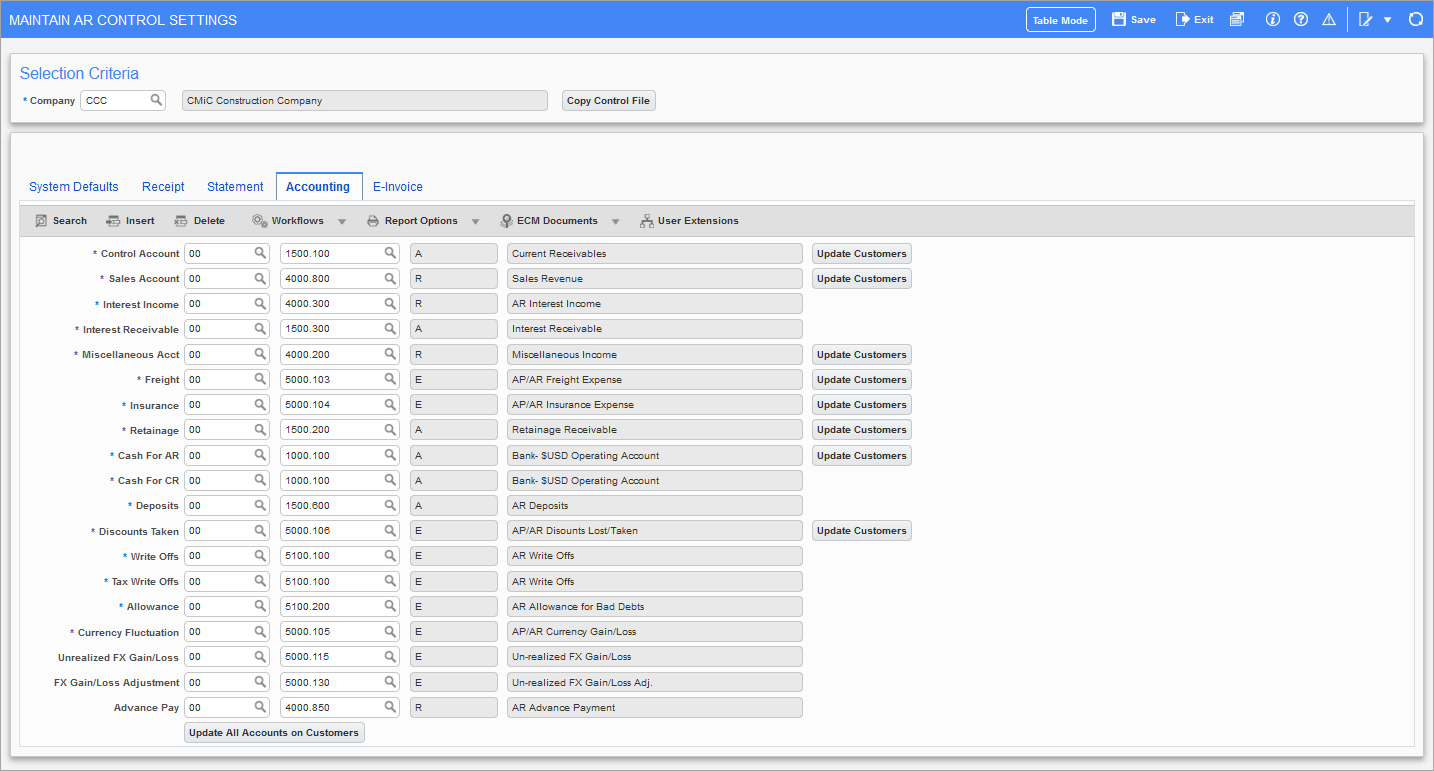
Pgm: ARCTRL – Maintain AR Control Settings; standard Treeview path: Accounts Receivable > Setup > Local Tables > Control File Options – Accounting tab
Enter the accounts to be used by the Accounts Receivable system for automatic General Ledger distributions. Each account has a field for the appropriate department to which the account belongs.
NOTE: The account entered as the Accounts Receivable account should be entered as the Accounts Receivable sub-ledger control in the Account Maintenance screen of the General Ledger.