 Search Tips
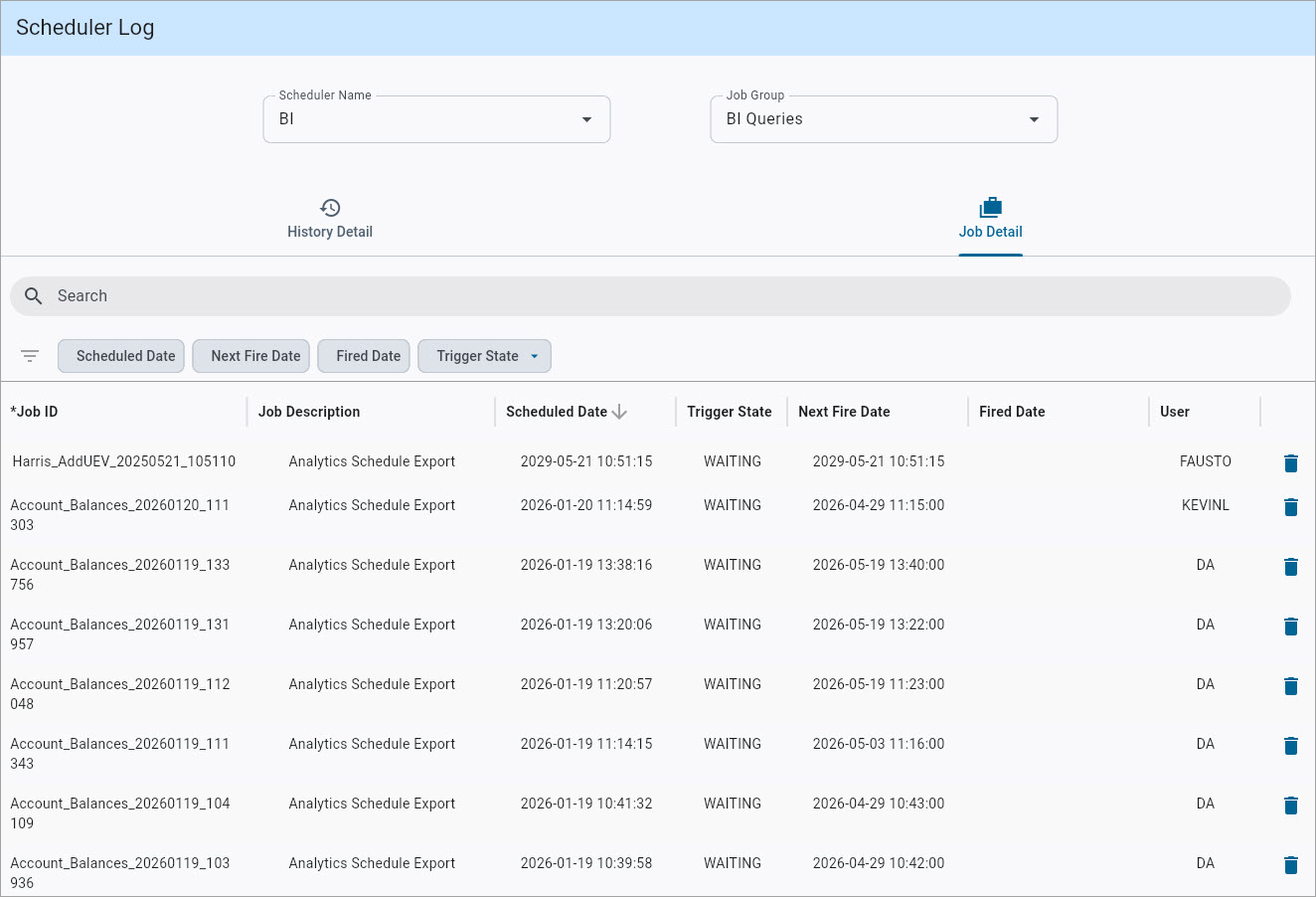
Scheduler Log; standard Treeview path: System Data > Utilities > Scheduler Log (New)
The Scheduler Log screen provides functionality similar to the classic version, with the added ability to delete scheduled jobs when the BI Scheduler is selected, provided users have the SDSLDELJOB system privilege. Refer to System Data - Define Roles for more information on adding this privilege. This screen can also be launched from the Manage Schedule Export option in the Utilities menu in BI Dashboard Builder and BI Query Builder.
For details about the basic functionality of this screen, refer to System Data - Scheduler Log (Classic).