 Search Tips
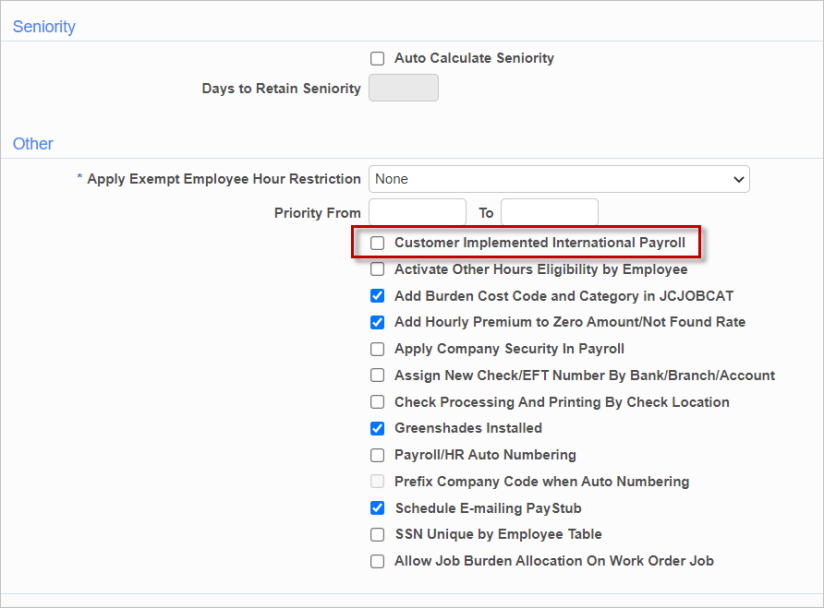
Pgm: SYSOPT – System Options; standard Treeview path: System > Setup > System Options – Payroll tab
To set up a user for International Payroll, go to the
-
Users can now access all employee records for all companies and all countries, without changing the user's International Payroll - User Defaults in International Payroll.
-
The Payroll Company and Home Company fields now display all companies from all countries, along with their country codes. These fields can also now be saved as different companies.
-
All tax-related information is now hidden from International Payroll screens.
This checkbox therefore allows for moving employee records between companies of different countries.