 Search Tips
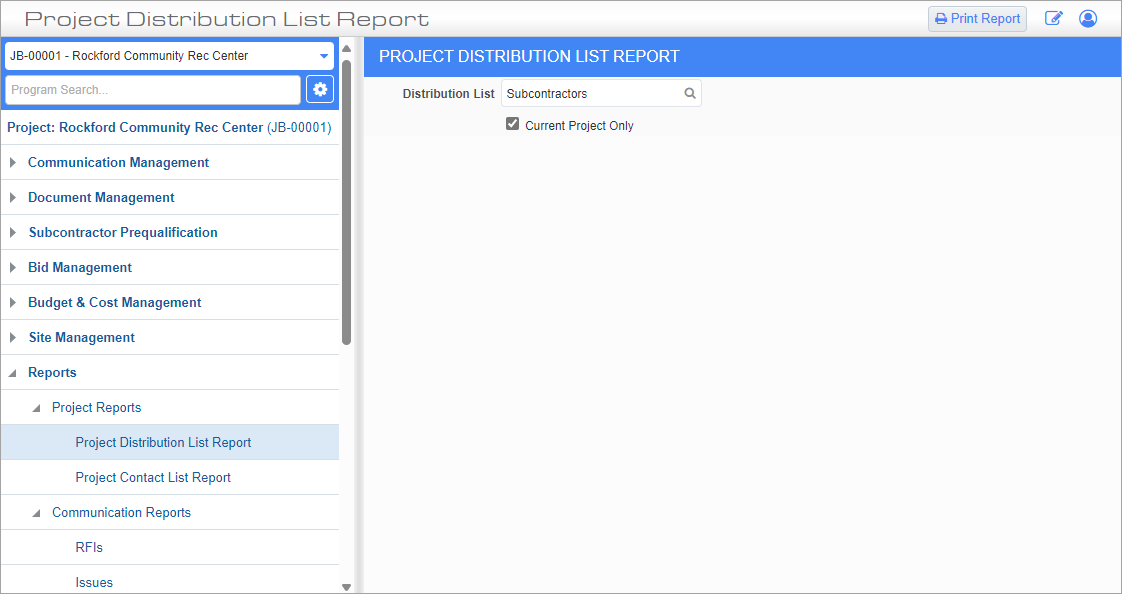
Pgm: PM1500 – Project Distribution List Report; standard Treeview path: CMiC Field > Reports > Project Reports > Project Distribution List Report
This screen is used to generate the Project Distribution List Report, which is a list of project partners grouped into a predefined distribution list. Distribution lists are created and maintained in the Distribution Lists screen.
Distribution List
Enter/select a distribution list or enter/select "ALL" to include all project contacts in the report.
Current Project – Checkbox
Check this box to only include partners from the current project in the report.
Print Report
Press this button to launch the Report Config pop-up. Use this pop-up to select the server from which to print the report, along with the format and destination. For more information on the fields on this pop-up screen, please refer to CMiC Field - Printing a Report.
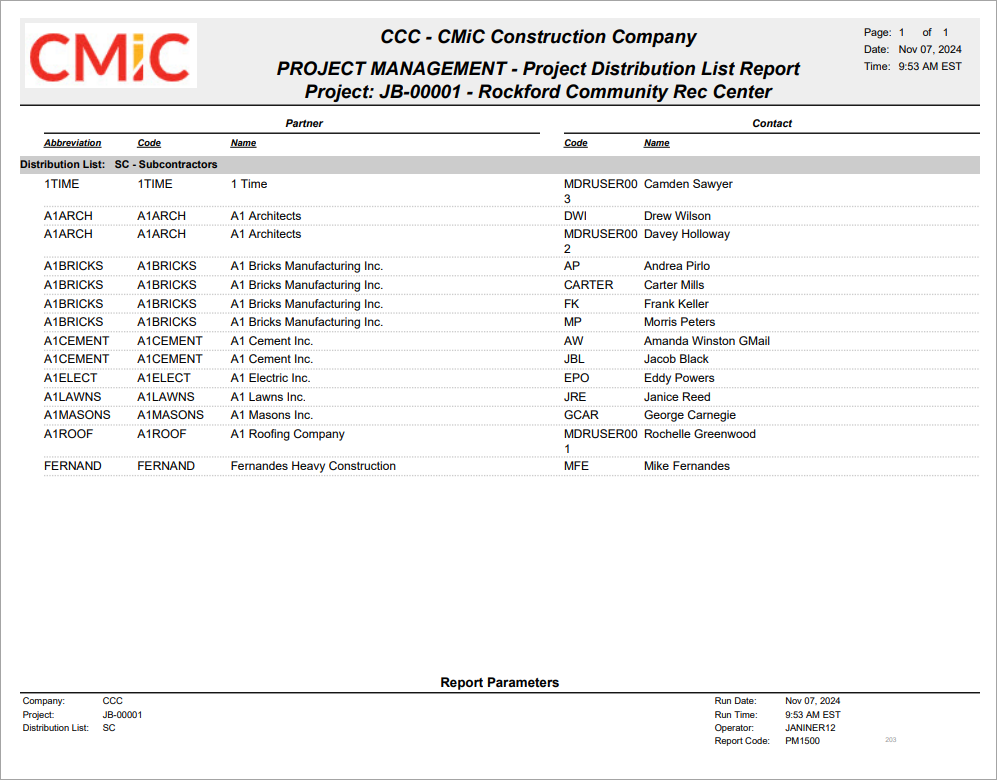
Sample Project Distribution List Report (PM1500)