 Search Tips
Enterprise Content Management - Security Role Maintenance
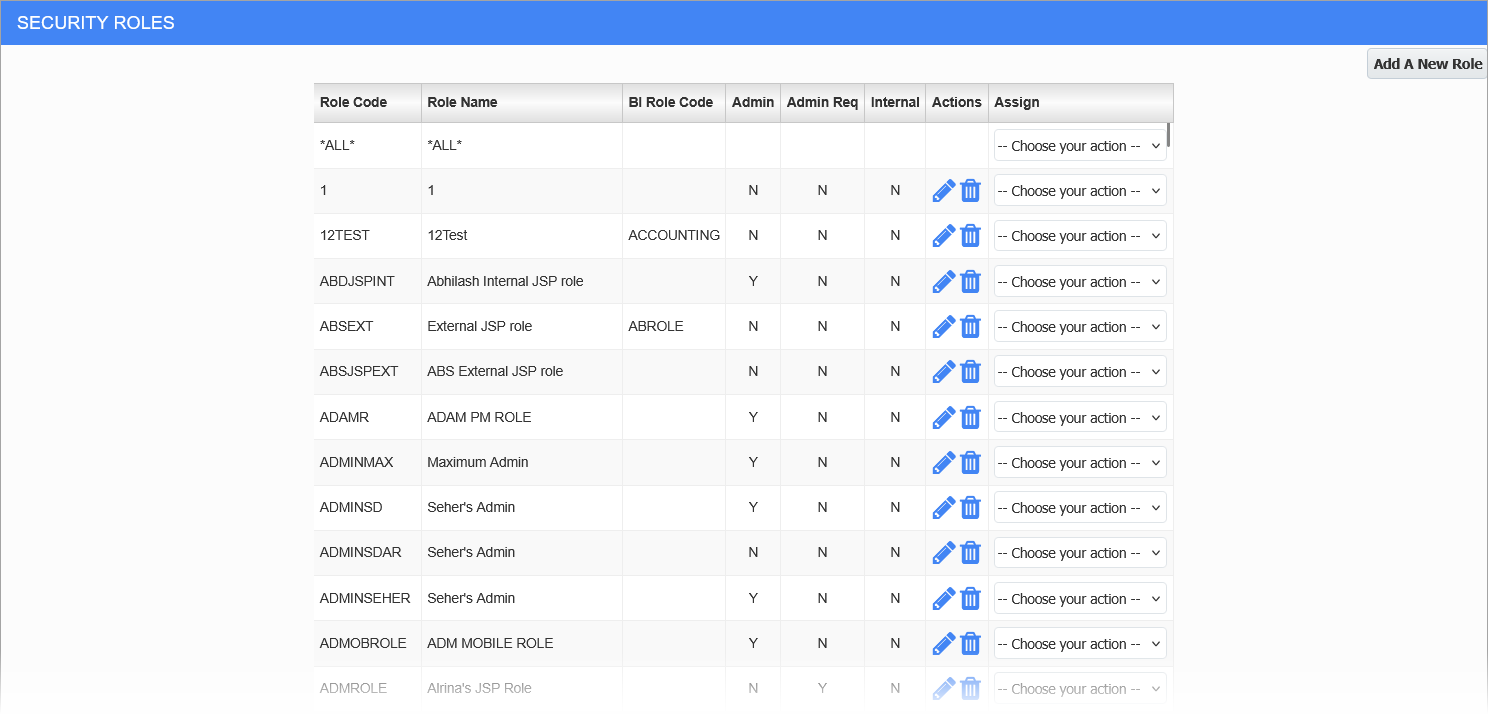
Enterprise Content Management > Security Role Maintenance
The Security Role Maintenance screen launched from the Enterprise Content Management menu contains security options and settings not widely available in the security screens launched from other modules. This screen is specifically designed for assigning security settings in the Imaging and Workflow screens. For details on security roles for Imaging and Workflow, see
If it is not available on the Treeview menu, users can first check that their security role has been assigned to the "PM - Role Maintenance" target in the Assign Roles to Targets screen. For more details, see System Data - Assign Roles to Targets.
If it is still unavailable, users can add the Security Role Maintenance menu item using the Treeview Builder. For more details, see Treeview Builder - Adding a New Menu Item to the Treeview.
NOTE FOR CLOUD CUSTOMERS: If the screen does not exist in the Treeview, adding the path "/SecRoleMaintenance/" to the end of the Cloud Environment URL allows users to access the screen. For example, https://atlas.cmiccloud.com/cmicprod/SecRoleMaintenance/.