Search Tips
Step 1 - Extract the OWF_Clt_2635_WINNT.zip file and when completed open the Install folder using the following path:
wfclient2635\install
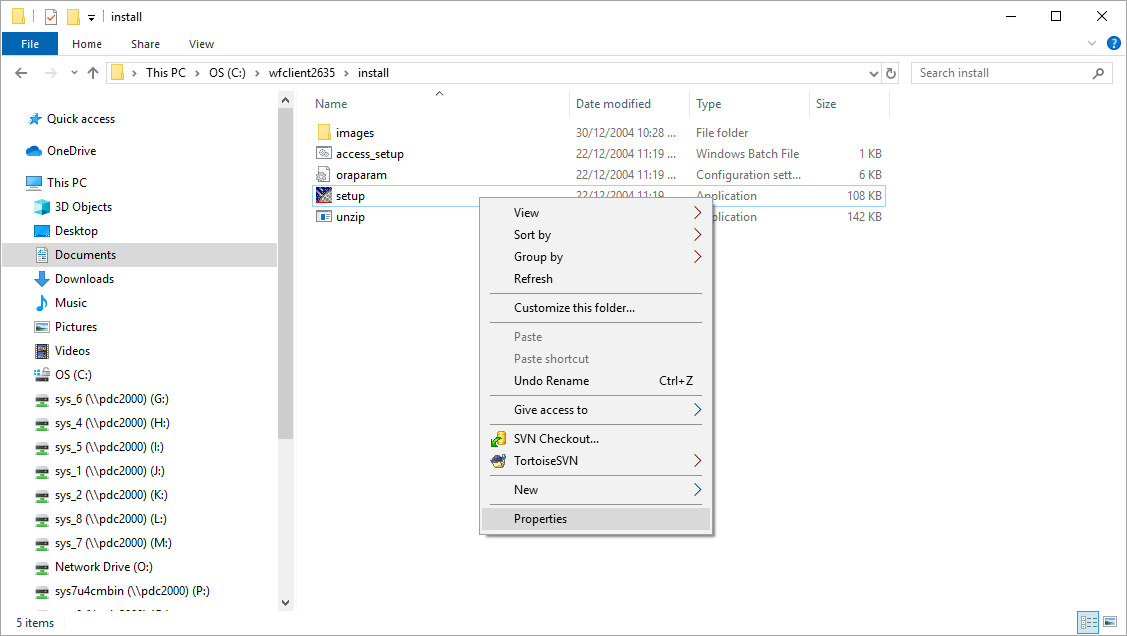
Right-click on setup.exe and select “Properties”, as shown in the following screenshot.
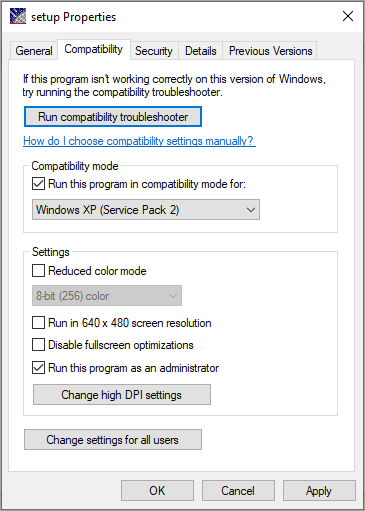
Step 2 – Configure the compatibility settings in the Setup Properties window to match the following screenshot. Next, click [Apply] and then [OK].
Step 3 – Run the setup.exe. The OS and monitor tests should pass (virtual/paging memory greater than 1535 MB).
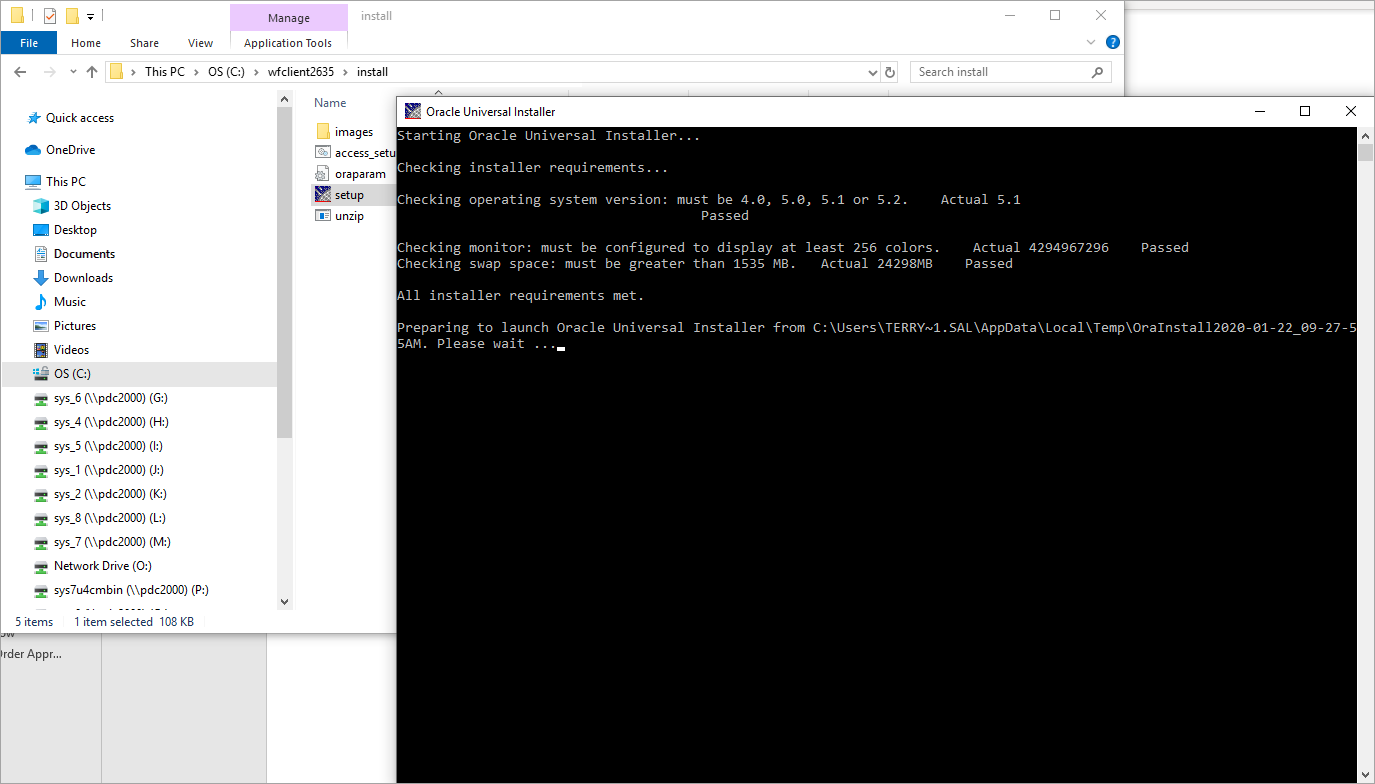
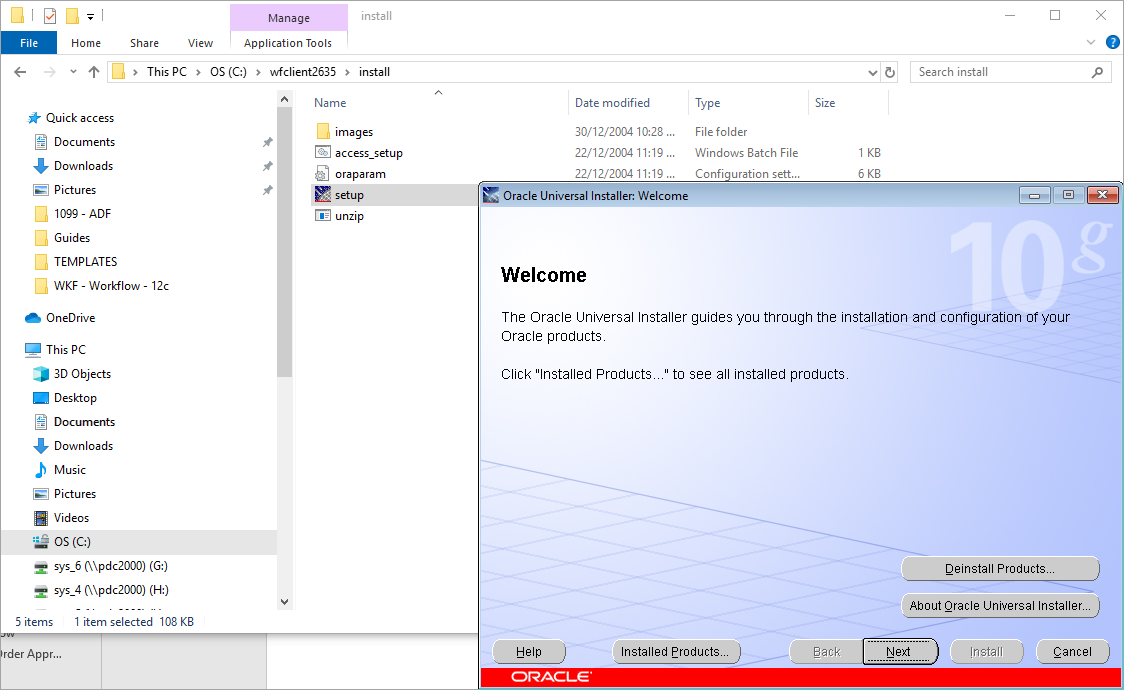
Step 4 – Click [Next] in the Oracle Universal Installer pop-up window and follow the prompts.
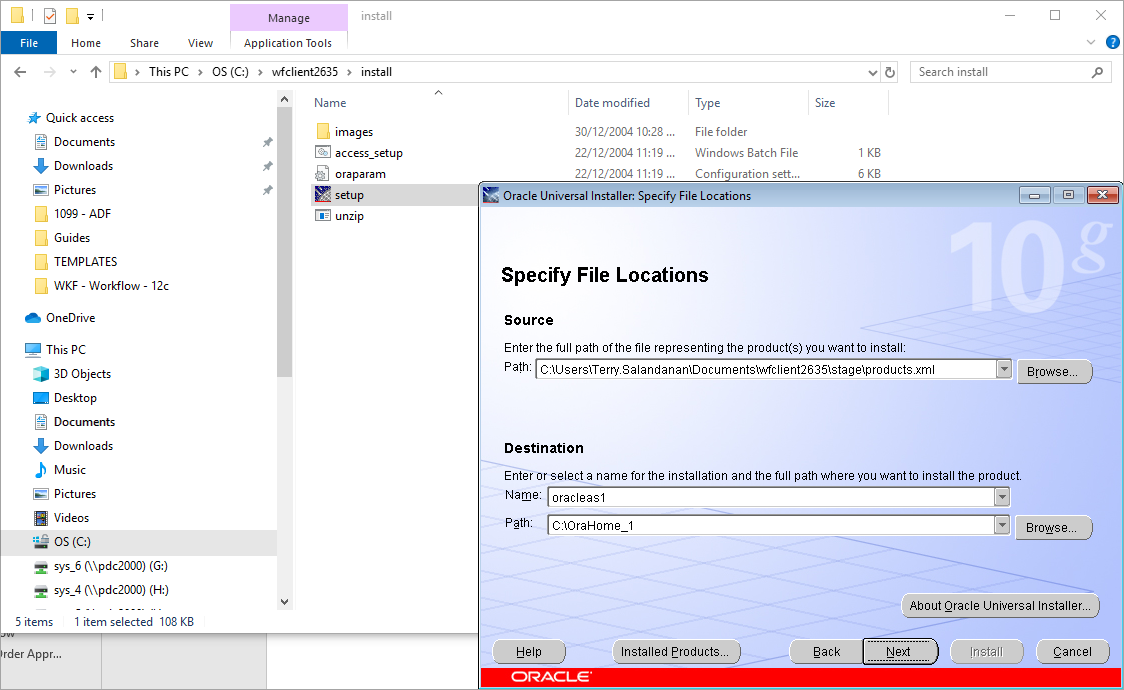
Step 5 – Set path to C:\Orahome_1 then click [Next].
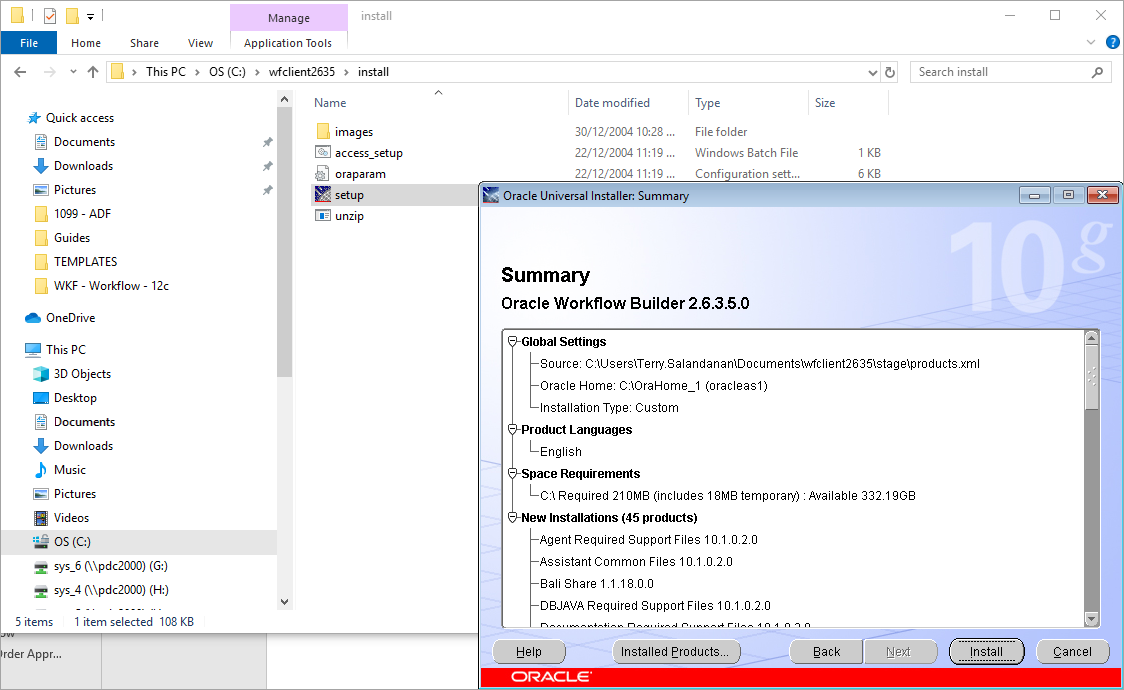
Step 6 – Click [Install].
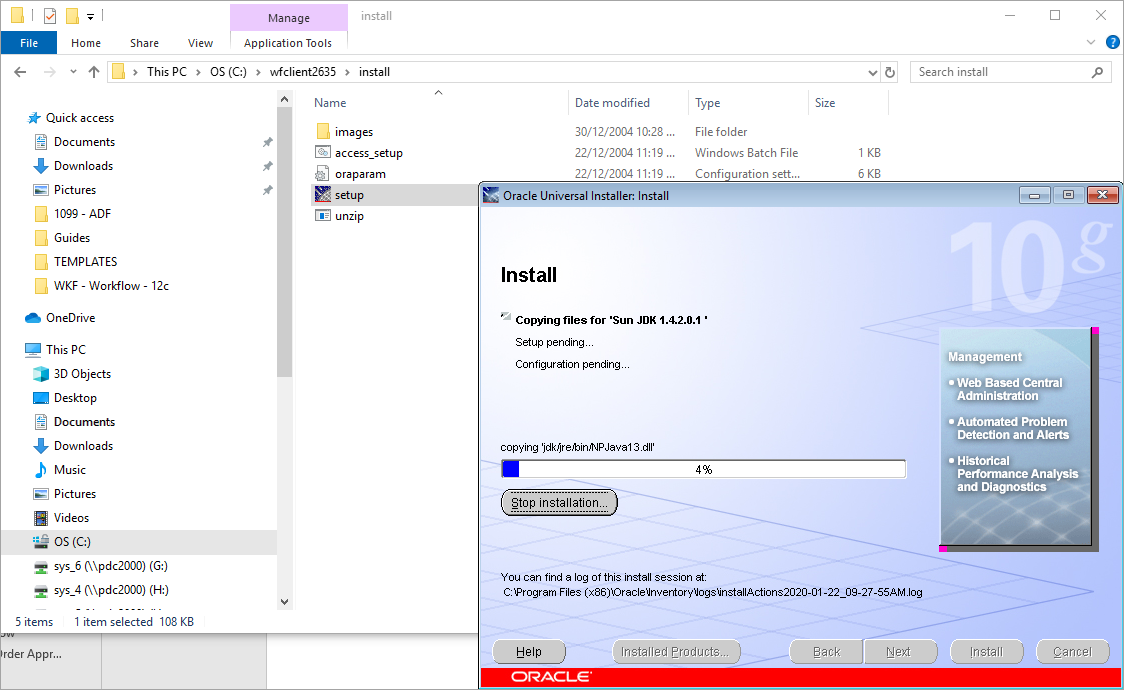
Step 7 – Installation will take about 3 to 5 minutes. If it gives an error about the environment variable path, reduce the characters of the path variable.
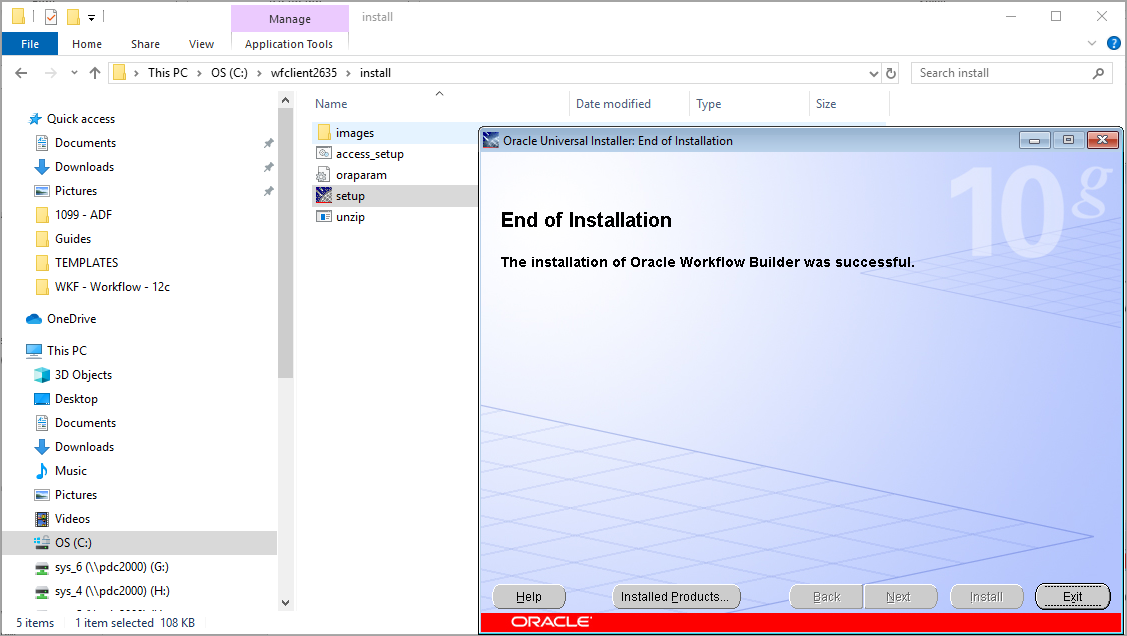
Step 8 – Click [Exit] when the installation is complete.
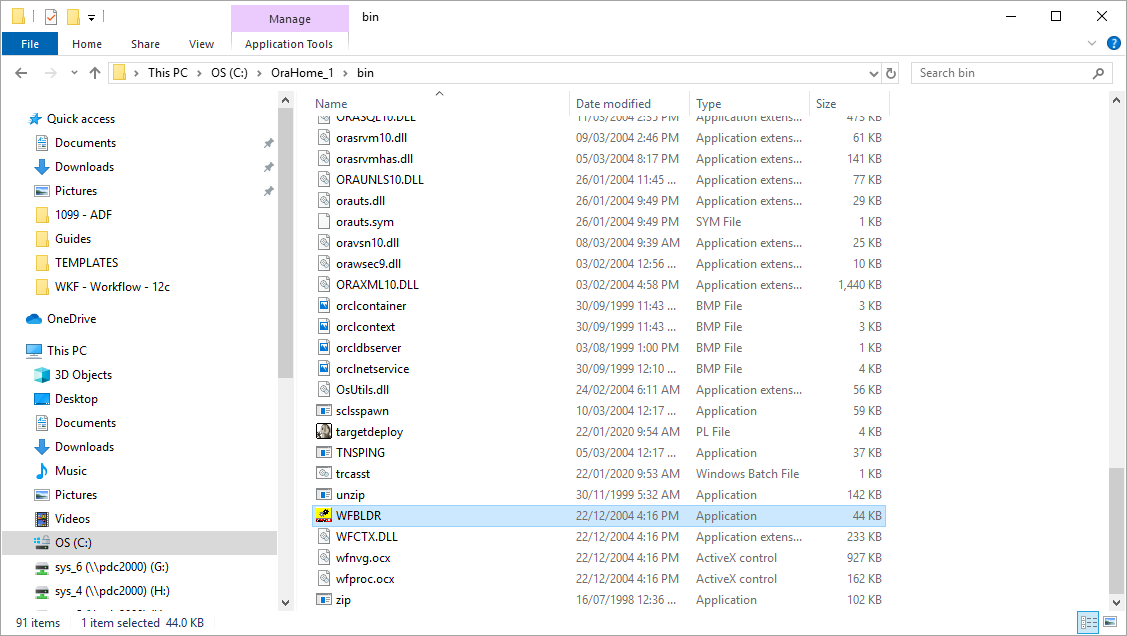
Step 9 – Go to the following directory and make a shortcut of WFBLDR.exe on the desktop (Right-click on file -> Send to -> Desktop).
Path: C:\OraHome_1\bin
Run the desktop shortcut as Administrator.