 Search Tips
Before BI Dashboard Builder can be used, CMiC BI security must be set up using the following
1. BI Dashboard Builder - CMiC BI Security Setup
2. BI Dashboard Builder - CMiC BI Security
NOTE: Initial access to default Dashboards/Queries/Card Views.
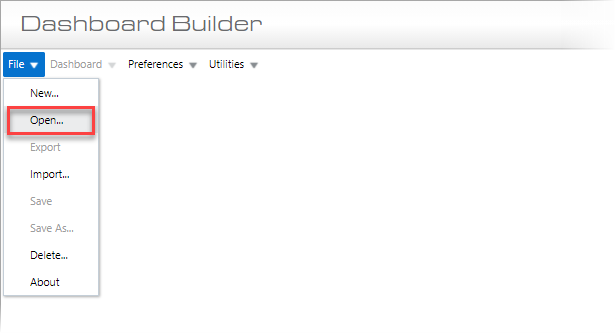
BI Dashboard Builder’s File > Open option to load default or custom dashboards/queries/card views
When BI Dashboard Builder is accessed for the first time, none of the provided, default dashboards/queries/card views accessed using BI Dashboard Builder’s File > Open option will be available to any user, until they are granted the appropriate security access.
Security access can be assigned to dashboards/queries/card views using two methods:
-
BI Dashboard Builder – Access is assigned using the Assign Roles screen in the Utilities menu. Refer to Assign Roles to Dashboards – Dashboard Security for more information.
-
BI Analytics – Access is assigned to dashboards/queries/card views in a batch style manner which involves assigning security roles to objects in a bucket. The advantage of using this method is that multiple security roles can be assigned to multiple objects at once. Refer to the BI Analytics guide for more information.