 Search Tips
Custom File List
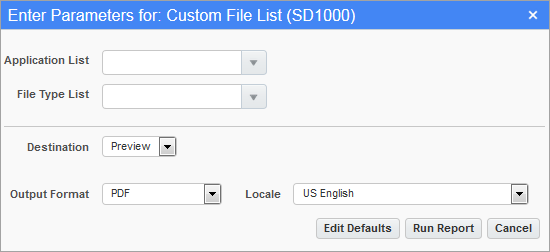
Custom File List (SD1000); standard Treeview path: System > User Extensions > Custom File List
The Custom File List is used to create a report of custom files, sorted by application and file type. The report includes information on customization type, installation date and issue #.
Select the desired report parameters through the printing options screen, as shown above, and click [Run Report].
Application List
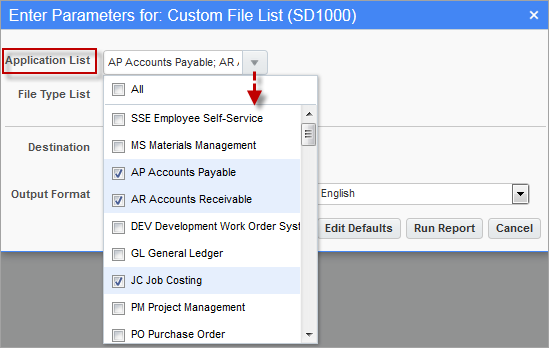
The Application List field contains a drop-down menu with a list of applications. Select the checkbox(es) next to the application(s) for which to list custom files or select “All” to list custom files for all applications. By default, “All” is selected.
File Type List
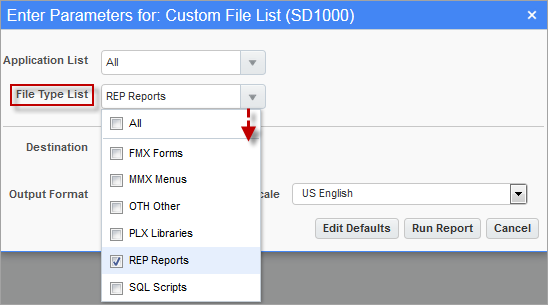
The File Type List field contains a drop-down menu with a list of file types. Select the checkbox(es) next to the file type(s) for which to list custom files or select “All” to list custom files for all file types. By default, “All” is selected.