 Search Tips
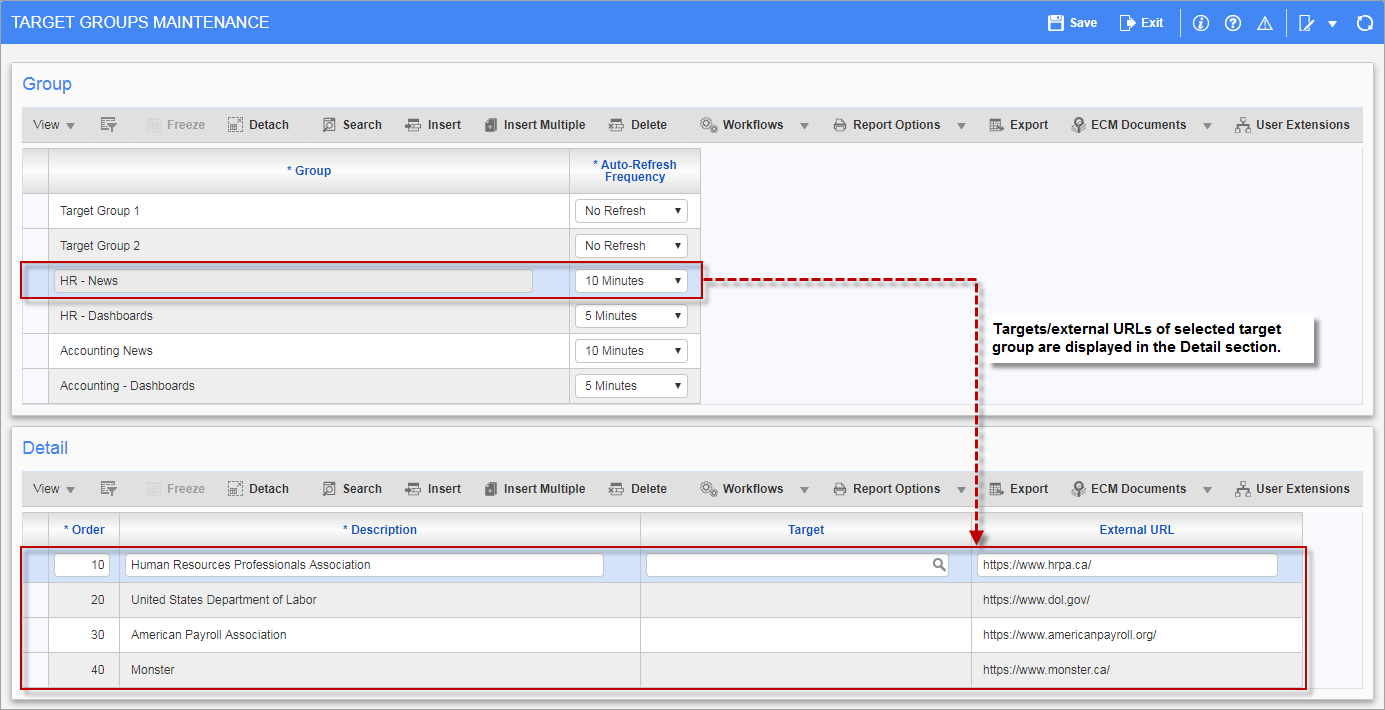
Pgm: SDTARGETGROUP – Target Groups Maintenance; standard Treeview path: System > Setup > Target Group Maintenance
The Target Group Maintenance screen is used to set up the target groups used by MultiTarget content type. MultiTarget content type is used to display a user-defined set of targets, such as dashboards and logs, and URLs into one region, without fitting them into the region at the same time. The set of user-defined targets and URLs is referred to as a target group, and these sets are maintained by this screen.
Refer to the Console guide for more information on how this screen is used.
Group
To create a new target group, click the [Insert] button on the Group section’s Block Toolbar.
Group
Enter a name for the target group.
Auto-Refresh Frequency
Select how often the target/URL should be refreshed.
Detail
Use the Detail section to add targets/URLs to the selected target group.
NOTE: Either the Target field or External URL field is used, not both.
Order
Enter the order in which the target/URL should be displayed.
Description
Enter a description for the target/URL.
Target, External URL
Enter/select a created target, such as a dashboard or log, or enter an external URL.