 Search Tips
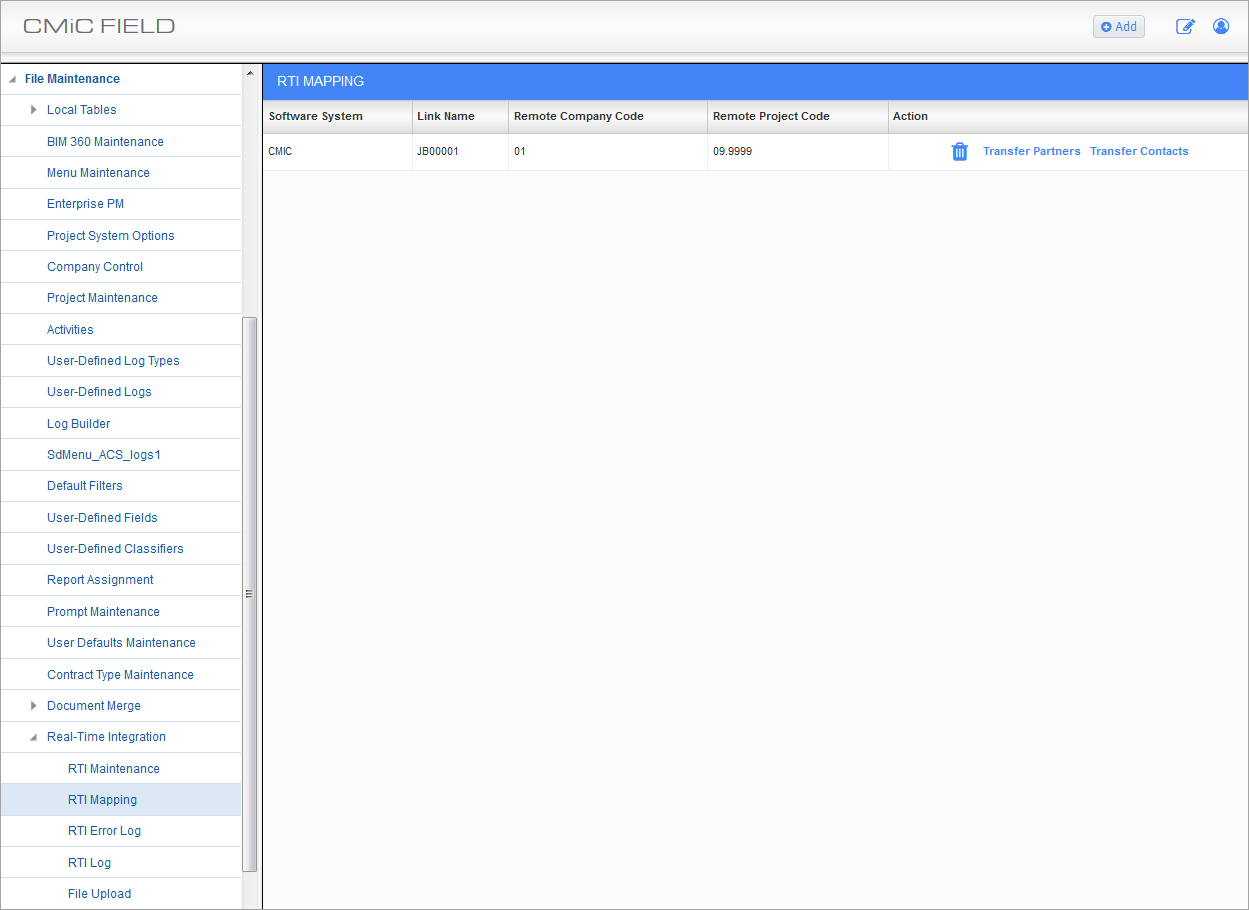
RTI Mapping; standard Treeview path: CMiC Field > File Maintenance > RTI Mapping
RTI mapping is what allows the adapters to understand where to insert data received or transmitted between the various systems. The RTI Mapping screen is defined to the project you are displaying in CMiC Field when opened. This maintenance is required for any project that will be using the RTI system to connect and update another user database/project.
For example, your project XYZ is in your database within your company with company code “10”. The corresponding project at the other user’s database is project ABC in their company with company code “01”. Mapping setup allows the transmit and receive adapters to understand that an RFI entered in your company “10” project XYZ would need to be inserted in the other database in company “01”, project ABC.
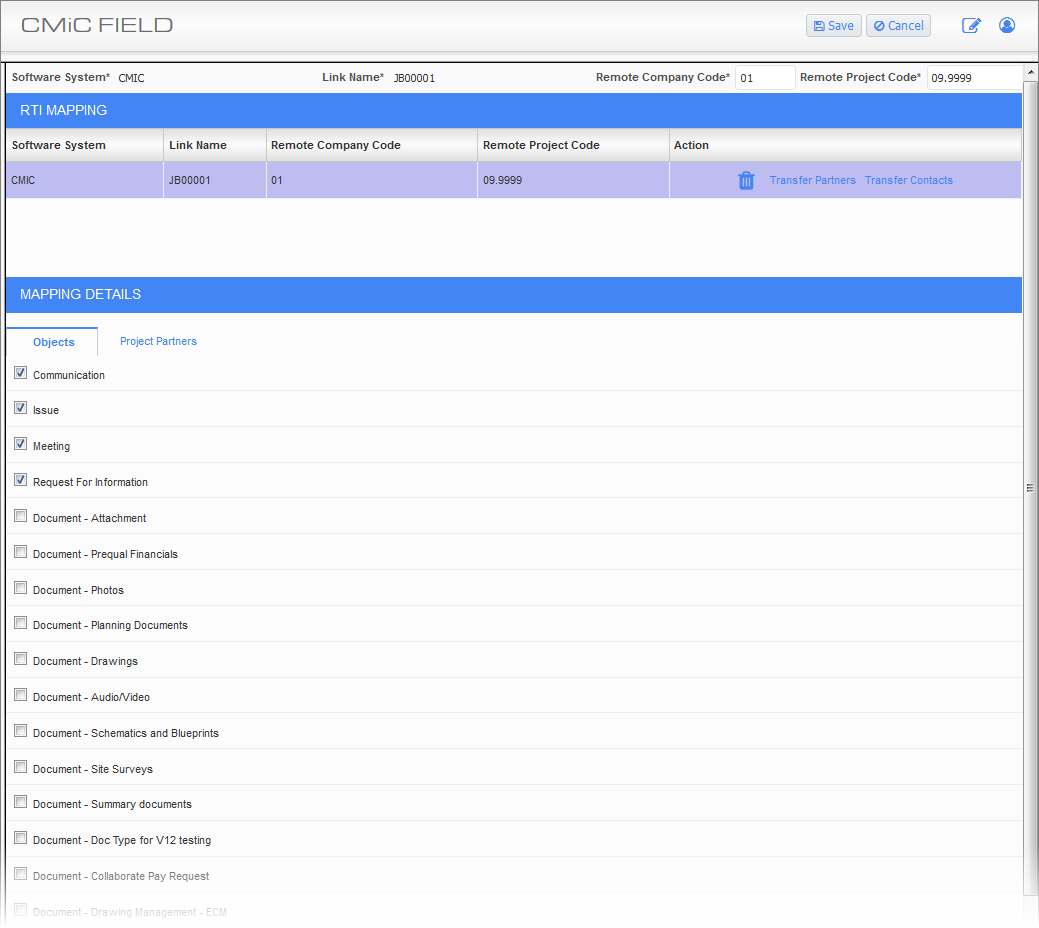
By clicking on the project row (highlighted in purple) from the initial display, the user will see two tabs. The Objects tab is used to configure what objects may be transferred, and the Project Partners tab is used map project partners to enable matching your contacts on your partners with their partners and contacts.
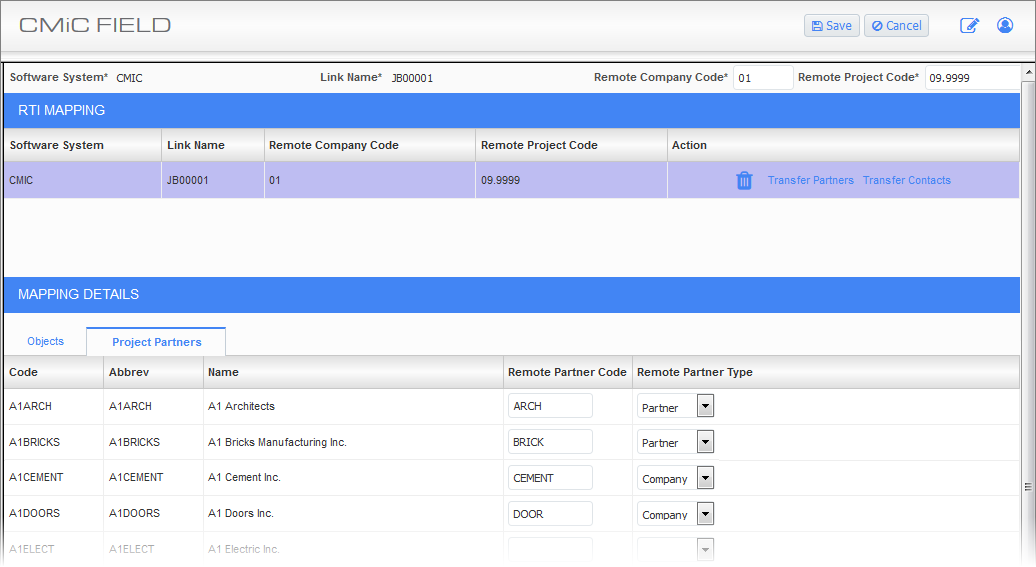
The project partners in your database will unlikely have the same partner codes in the other user database. To ensure connections are made and the correct contacts set up on the other side, the project partner mapping shows all project partners in your project and allows you to enter the partner/company codes relevant for the other database and to identify if it is a partner, or a company record on their database.
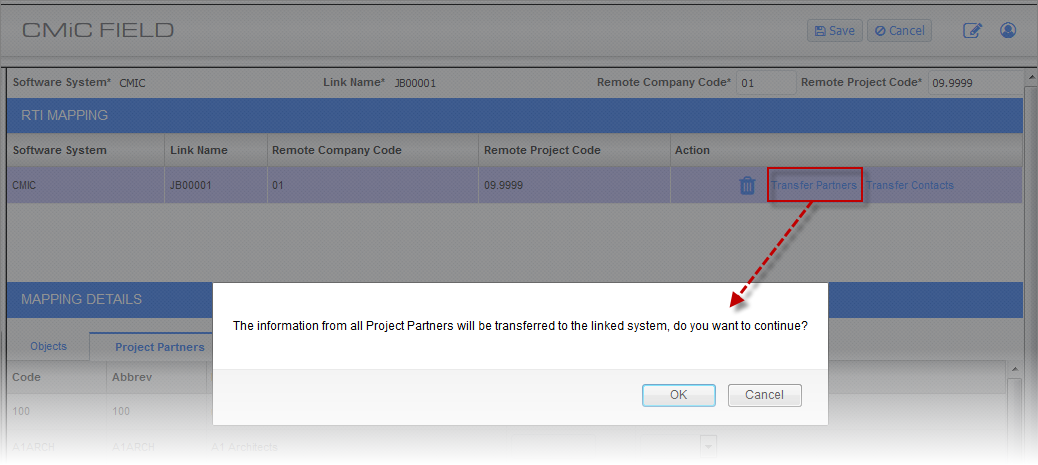
There is also an option to bulk transfer the partner information to the other system by selecting the Transfer Partners link under the Action column for the project row.
When using this option, the following message will appear while the transfer is being made:

Partners are mapped by link if entered, and if not, will be mapped by first searching for the matched phone number data, and secondly for a match on the partner codes.
Similarly, the contacts for that business partner will be mapped by searching for matches in the Email field, and if not found, a second search on Contact Code match will be made.
The process of mapping partners should be run from both the local and remote databases.