 Search Tips
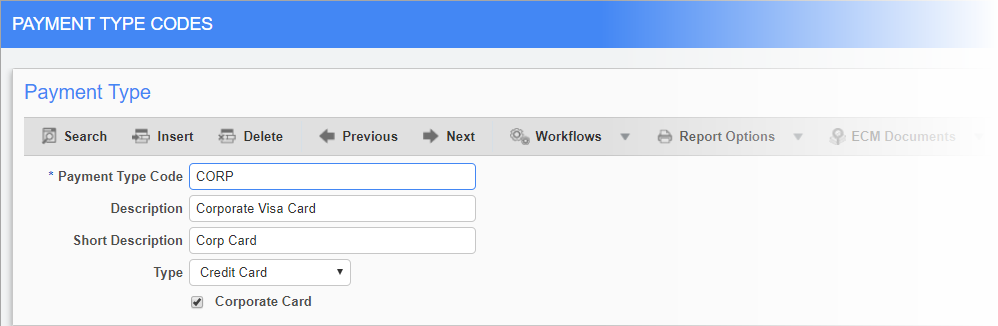
PYPMNTTP – Payment Type; standard Treeview path: E-Time > E-Expense > Payment Type
Payment type codes can be entered on every expense entry line. These codes are used to indicate how the employee paid for their expenses. This allows the company to accumulate statistics on payment types and the viability of different purchase cards, credit cards, hotel agreements, and so on.
Payment Type Code
Enter the code for the payment type. These codes can be assigned to expense claims in the Expense Entry screen.
Description, Short Description
Enter the full and short descriptions for the payment type.
Type
Select the type of payment the code represents.
Corporate Card - Checkbox
Check this box if the payment type is affiliated with a corporate card.