 Search Tips
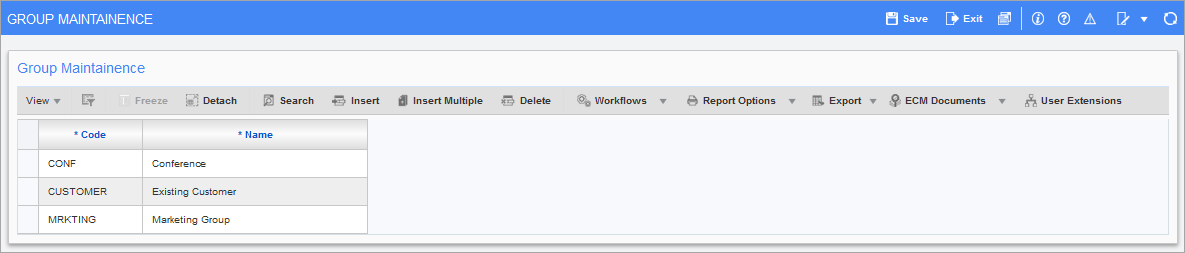
Pgm: OMGROUP - Groups Maintenance; standard Treeview path: Opportunity Management > Setup > Groups
A source indicates the source of an opportunity, and it can belong to a group. This screen is used to maintain the groups available for the source options maintained by the Sources screen (Opportunity Management > Setup > Sources). The source options maintained by the Sources screen have a Group field, and the options available from this field are maintained through this screen.
Groups are used for reporting and allowing the user to combine multiple sources. For example, it’s possible to have multiple trade shows per year, and want to create a group for 2018 trade shows and one for 2019 trade shows, so that a report can be created to measure trade show performance per year. Group codes are not mandatory.
The following provides descriptions for the fields of a consulting services entry.
Code
Code to identify the sources group.
Name
Name for the sources group.