 Search Tips
Overview
This document outlines CMiC’s support for the OAuth 2.0 Client Credentials flow. In this approach, the system determines the identity to operate under by extracting the cmicuser claim from the JWT token, referred to as the service user. This requirement remains in place for Patch 22. An upcoming improvement will allow administrators to configure the service user within the CMiC API Security application registration. The security flow will then dynamically retrieve this user during authentication, streamlining configuration and improving flexibility.
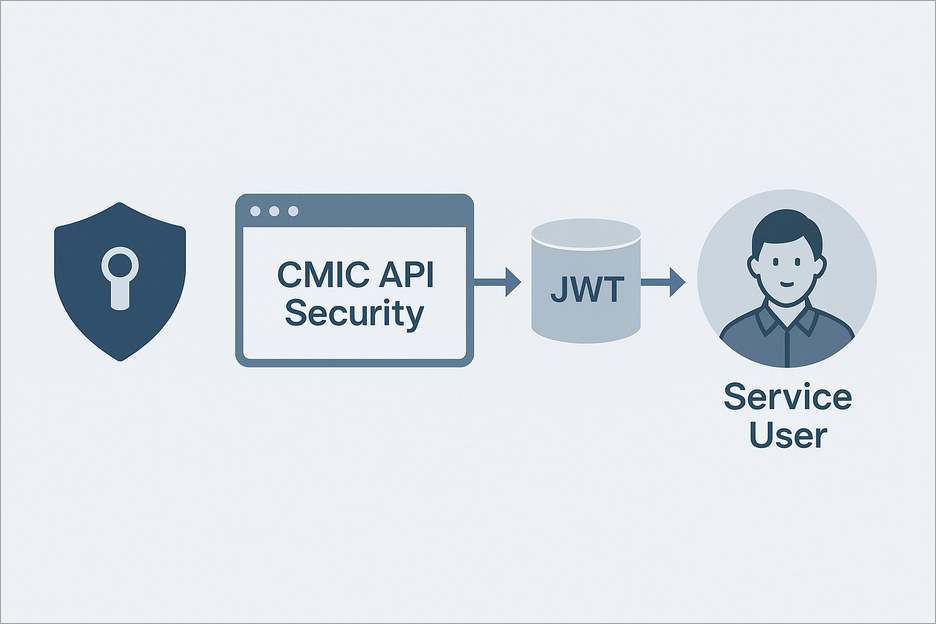
OAuth 2.0 Client Credentials Flow
The diagram visually represents the process:
-
CMiC API Security handles application registration.
-
JWT token carries the cmicuser claim.
-
Service User is the identity used for system operations.
Why This Matters
Supporting the OAuth 2.0 Client Credentials Flow provides several key benefits:
-
Improved Security: Credentials are exchanged securely using industry-standard OAuth 2.0 protocols, reducing risk compared to custom authentication methods.
-
Automation-Friendly: Service-to-service communication can occur without manual user intervention, enabling seamless integration for background processes and APIs.
-
Centralized Control: Administrators can configure and manage the service user within CMiC API Security, ensuring consistent identity management across applications.
-
Future Flexibility: The upcoming enhancement to dynamically retrieve the service user simplifies configuration and reduces maintenance overhead.
Enterprise vs Cloud: Setting the cmicuser Claim
The way the cmicuser claim is set differs based on the deployment model:
-
Enterprise: The claim is set to the username of the service user.
-
Cloud: The claim is set to "tenant||username", or the service user’s unique username in email format.
This distinction ensures proper identity resolution across environments and supports secure, consistent authentication.
Configuring OAuth2 Client Credentials Flow in CMiC
-
Create a Service User
-
For best practice, create a dedicated service user account for this flow.
-
Do not use an account that a real user would use for sign-in.
-
-
Register an OAuth Application in Your Identity Provider
-
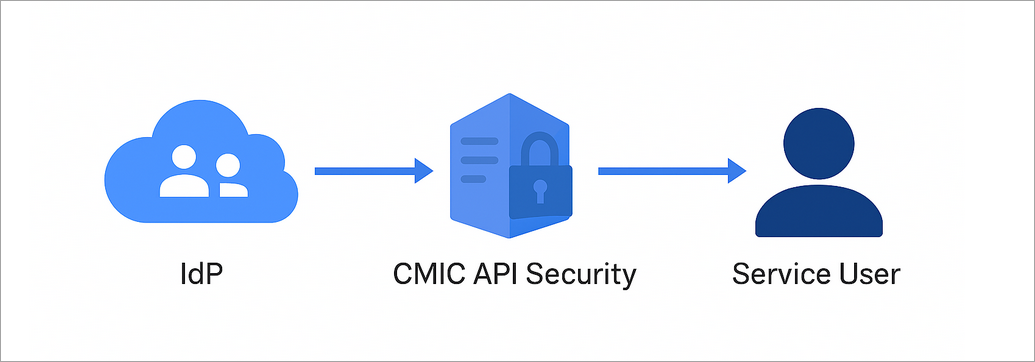
Create an OAuth app in your IdP and configure it for the Client Credentials Flow.
-
Patch 22 Behavior:
-
You must create a cmicuser claim in the JWT token and set it to the service user’s username.
-
-
Post-Patch 22 Behavior:
-
The cmicuser claim is no longer required and can be overridden by specifying the service user in CMiC API Security during app registration.
-
-
-
Register the OAuth App in CMiC API Security
-
Navigate to CMiC API Security > Application Registration.
-
Provide the App ID, Issuer, and JWKS URI.
-
Set the service username for the application.
-
-
Configure API Security
-
Ensure API Security policies and permissions are correctly configured for the registered application and service user.
-
-
Validate the Setup
-
Test by requesting a token from your IdP using client credentials.
-
Call a CMiC API endpoint with the token and confirm operations run under the service user identity.
-