 Search Tips
Why is it Useful?
CMiC has added the ability to hide the Reviewers Table on a program-by-program basis. This is useful because now PM roles can be used to control which users can access Reviewers Tables in the various program where they exist.
NOTE: This feature was released in Patch 14-2 under Issue 21.45884.
How Does it Work?

Standard Treeview path: CMiC Field > Security > Project Roles
The PM role privileges for the Reviewers Table are located on the Project Roles screen. A 'Hide Reviewer Section' checkbox has been introduced for each of the following PM objects: RFIs, Submittals, and Punch List Items.
For example, the screenshots below the Punch List screen with the Reviewers Table displayed and the Reviewers Table hidden.
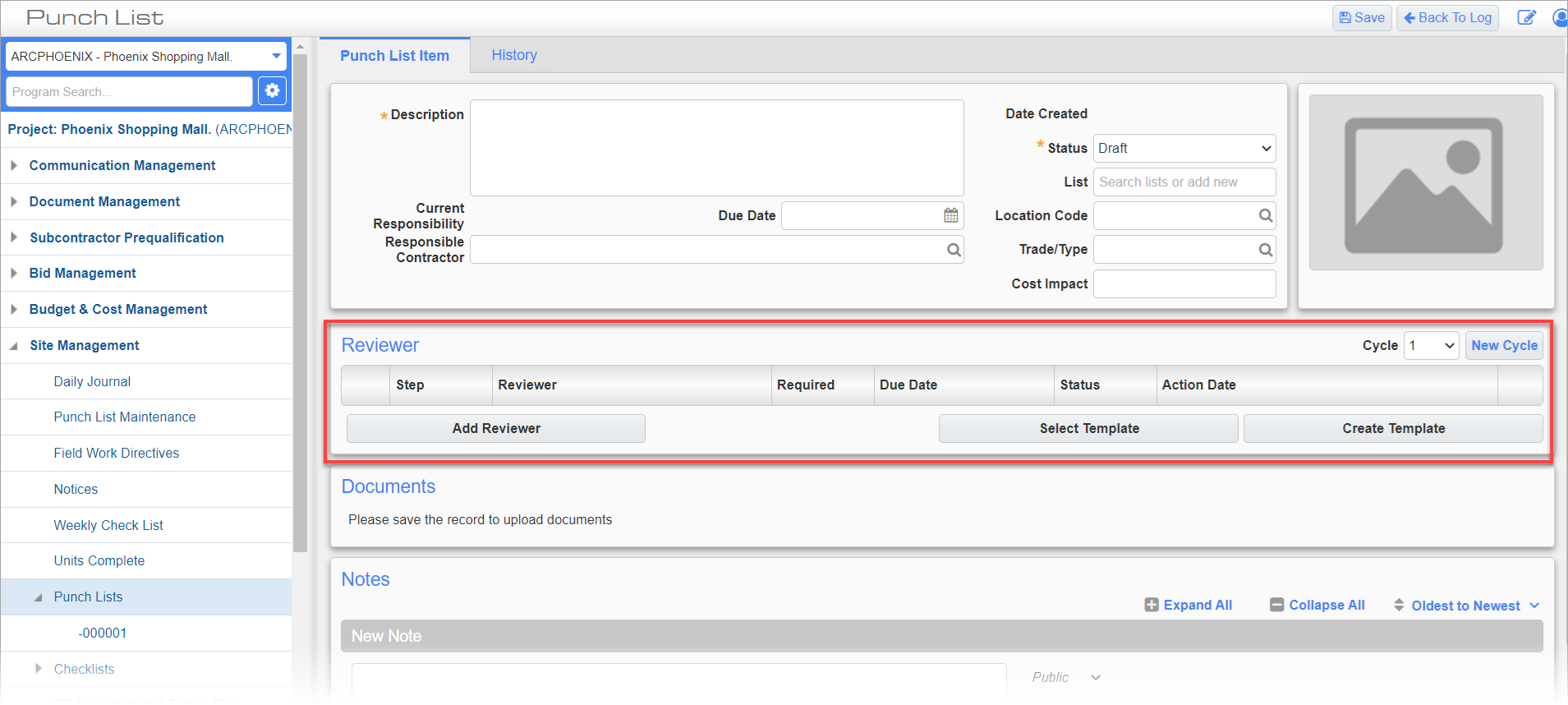
Example of Punch List with Reviewers Table Displayed

Example of Punch List with Reviewers Table Hidden