 Search Tips
Why is it Useful?
CMiC has made all log filters case-insensitive. Now when users are filtering a column using the edit column settings or by clicking on the column header, the results will not be separated according to uppercase and lowercase letters.
NOTE: This feature was released in Patch 13-2.
How Does it Work?
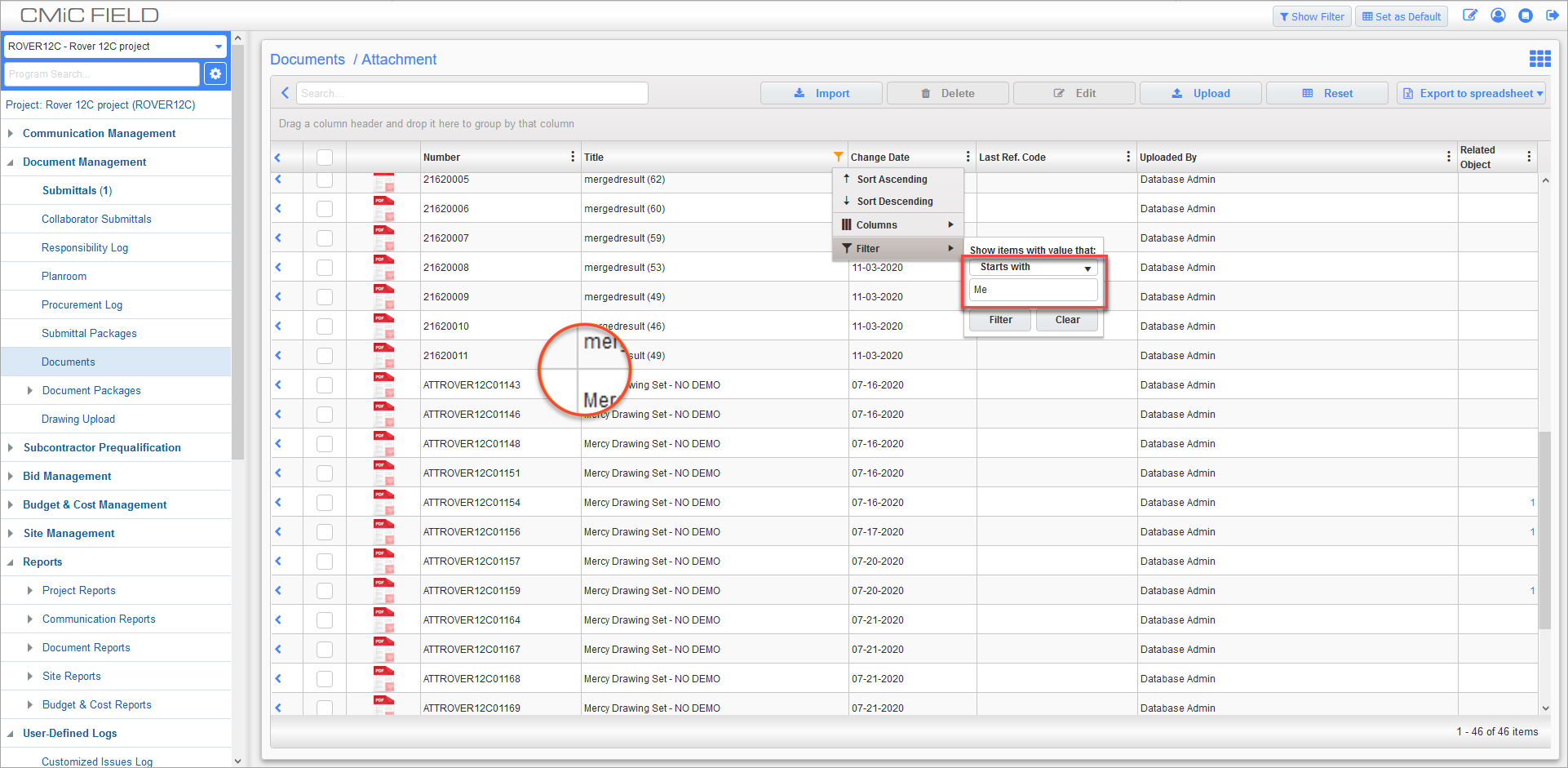
Previously, when filtering a column using the edit column settings feature in a log, some options were case-sensitive and some were not. In addition, clicking the column header to filter separated the columns by upper and lowercase letters. To prevent this from happening, log filters have all been updated to make them all case-insensitive.