 Search Tips
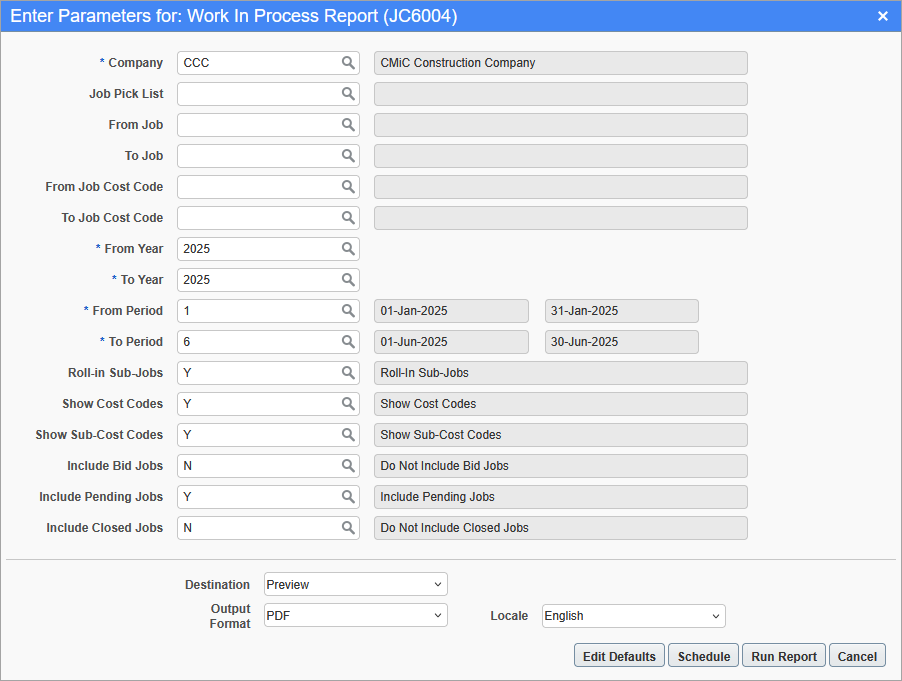
Pgm: JC6004 – Work In Process Report; standard Treeview path: Job Costing > Reports > Work In Process Report
This screen is used to generate the Work In Process Report which includes work-in-process details broken down to phase level for selected years and periods in companies. For more information, please refer to Job Costing - WIP Processing.
The report can be further filtered by Job Pick List ,From/To Job, and From/To Job Cost Code.
Company
Enter/select the company code.
From/To Year
Enter/select a range of years to include in the report.
From/To Period
Enter/select a range of periods to include in the report.
Roll-in Sub-Jobs
Enter/select whether or not to roll-in sub-jobs in the report. The default value is "Y".
Show Cost Codes
Enter/select whether or not to include cost codes in the report. The default value is "Y".
Show Sub-Cost Codes
Enter/select whether or not to include sub-cost codes in the report. The default value is "Y".
Include Bid Jobs
Enter/select whether or not to include bid jobs in the report. The default value is "N".
Include Pending Jobs
Enter/select whether or not to include pending jobs in the report. The default value is "Y".
Include Closed Jobs
Enter/select whether or not to include closed jobs in the report. The default value is "N".
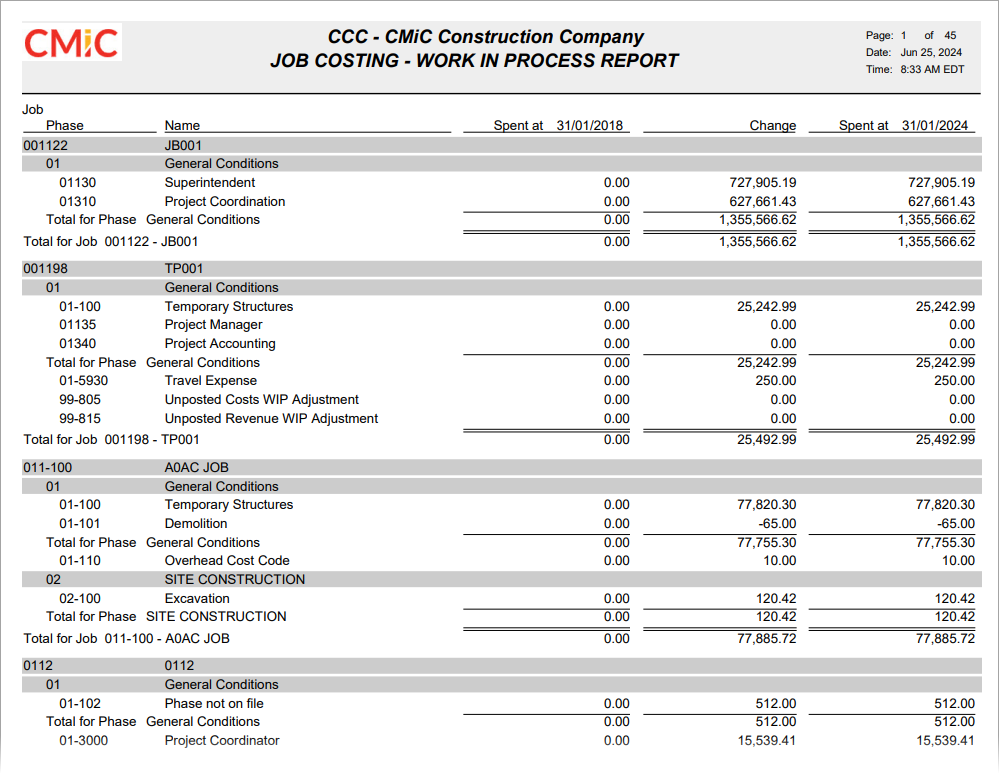
Sample Work In Process Report (JC6004)