 Search Tips
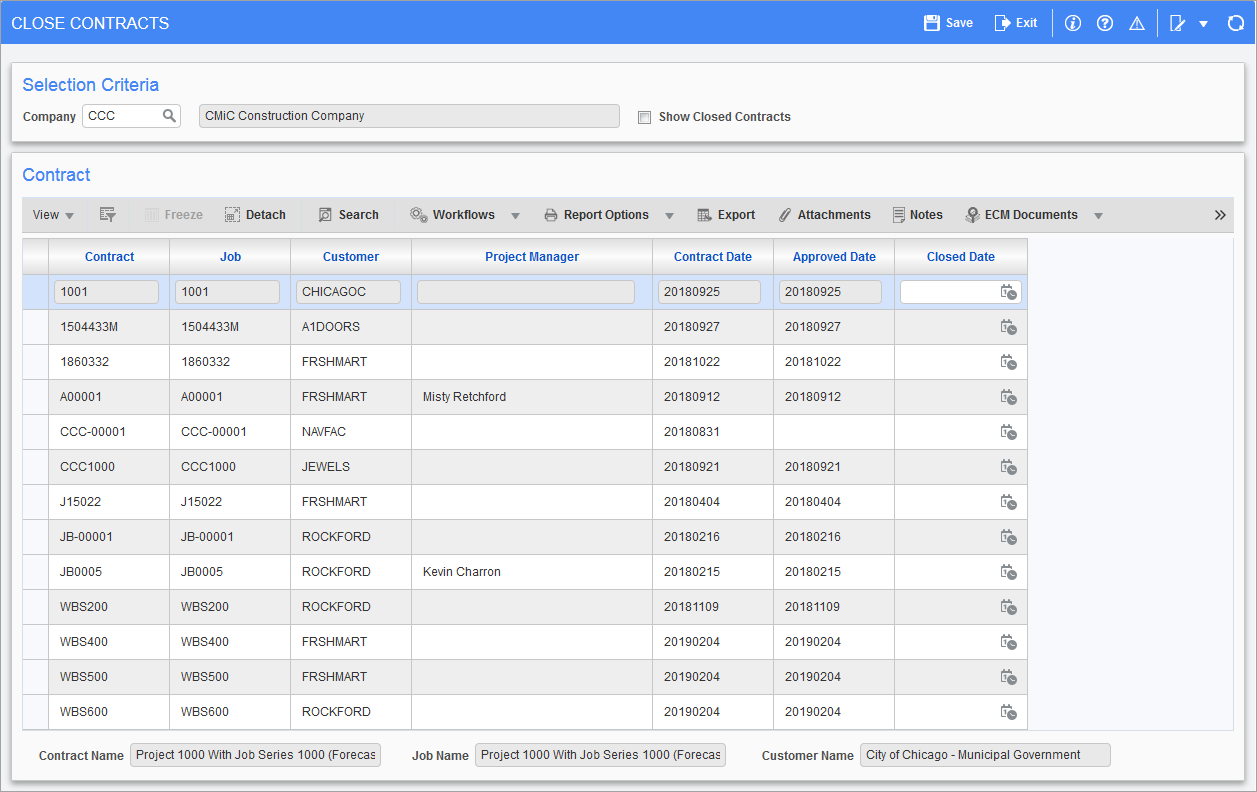
Pgm: JBCLOSE – Close Contracts; standard Treeview path: Job Billing > Utilities > Close Contracts
Contracts should be closed once they are fully billed, and should not show up on the active list of values. Re-opening the contract is done by removing the closed date.
Show Closed Contracts − Checkbox
To view both open and closed contracts, check the 'Show Closed Contracts' checkbox.
Close/Reopen Contract
To close a contract, use the Closed Date field to enter the date it was closed and click [Save].
To reopen a contract, remove the date and click [Save].
Also, closed dates can be adjusted by changing the date and clicking [Save].