 Search Tips
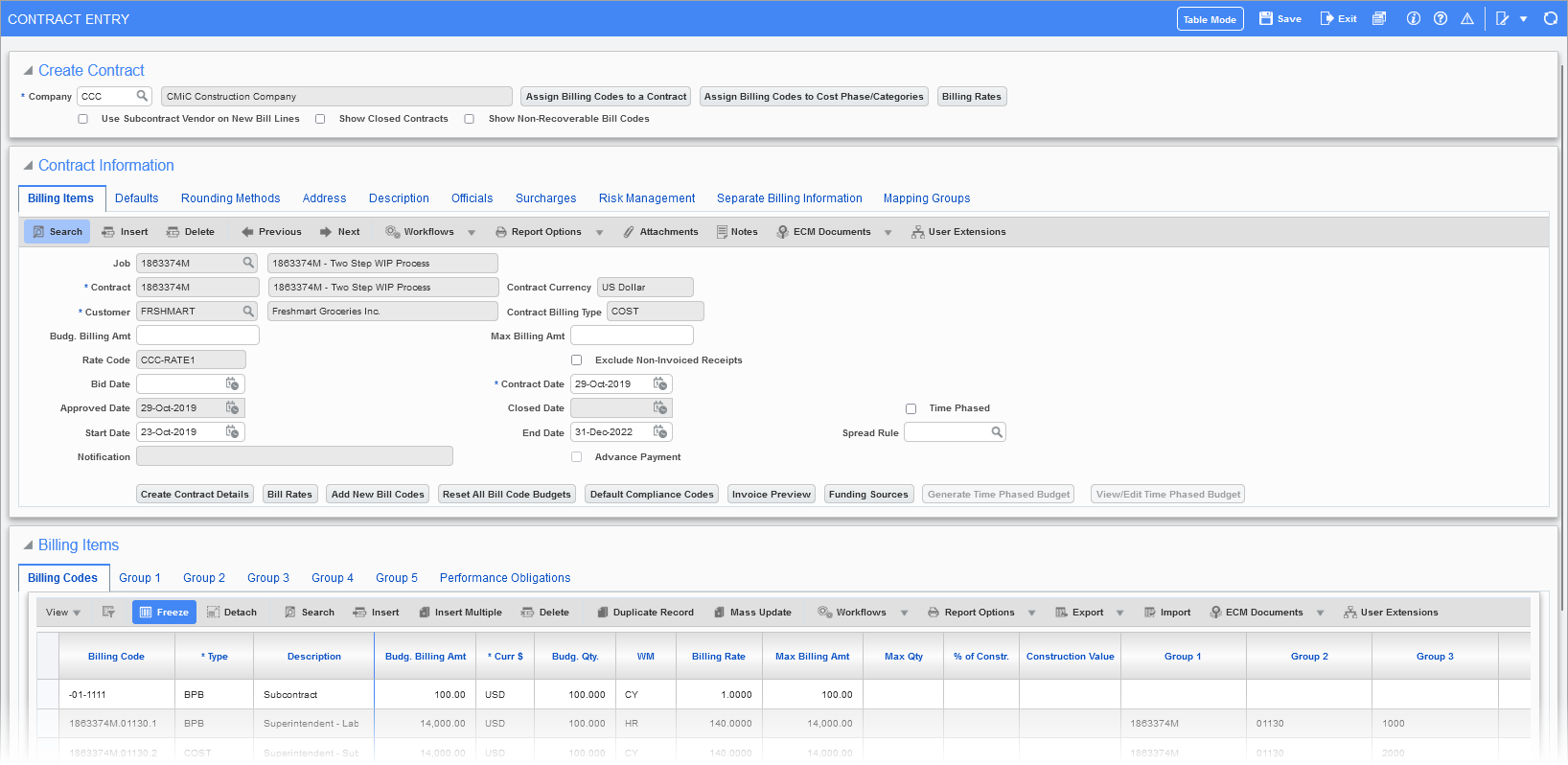
Pgm: JBCONT – Contract Entry; standard Treeview path: Job Billing > Contracts > Enter Contract
Contract setup in job billing is an extremely important step for successful and accurate billing preparation and invoice posting. Retainage codes, tax percentages, billing maximums and minimums, project managers, billing types and billing codes, budget billing, billing rate changes, and more are all assigned through this, Contract Entry screen. Once contracts are entered, and optionally approved, invoices can be released as draws against the contract amount.
The first section of this screen is used to select the company, and the second is used to enter contract information and defaults. The third is used to enter billing information, and users can add new billing codes, delete billing codes, or modify existing line’s billing items.