 Search Tips
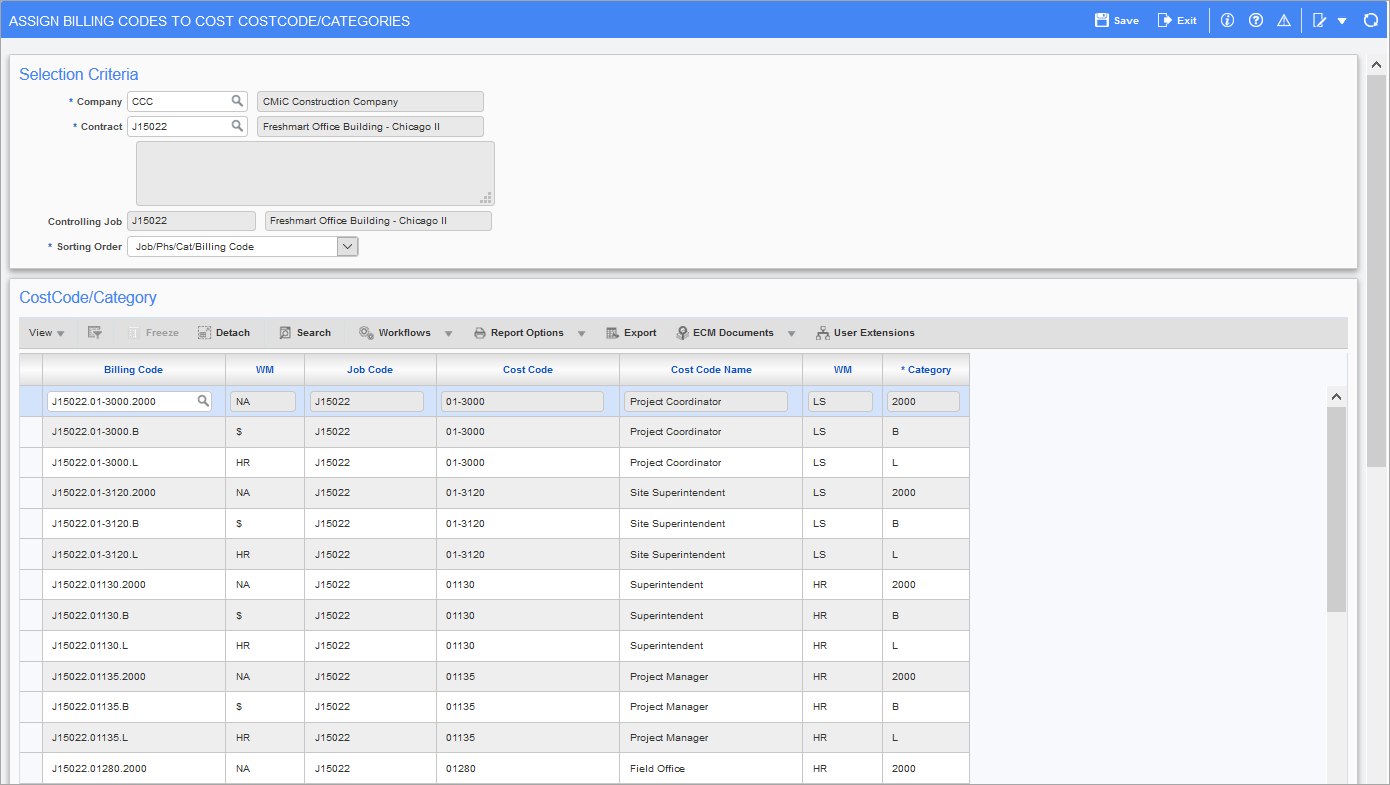
Pgm: JBJCMST – Assign Billing Codes to Cost Code/Categories; standard Treeview path: Job Billing > Contracts > Assign Billing Codes to Cost Code/Categories
If the job is using the pre-defined mapping templates, then do not enter any data in this screen. The system will populate it when the contract is entered.
The Assign Billing Codes to Cost Elements screen is used to map bill codes to cost elements. This allows the system to automatically retrieve budget and cost amounts from Job Costing into the specified bill codes for the purposes of generating a job bill.
Contract and Job Code
Enter the contract and job code required. Once the contract code is entered, the system will display the controlling job code associated with the contract in the next field.
Cost Code/Category – Section
When this section is first entered, the system will return all the cost code/category codes that exist on the controlling job and any sub-jobs associated with the contract selected in the header. The Billing Code field will be blank; you must enter the billing code to which the cost element applies.
Billing Code
Enter the billing code that applies to the cost element on this line. Note that you may only use those billing codes that apply to the job being entered. To exclude a job cost budget amount from the job bill - leave the Billing Code field blank.