 Search Tips
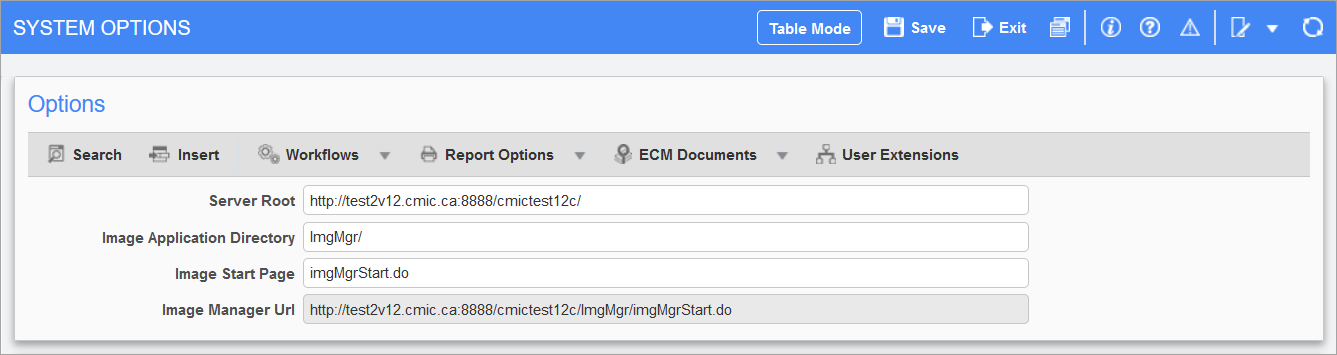
Pgm: IMGSYOPT – System Options; standard Treeview path: Imaging > Setup > System Options
This screen allows users to set the Image Manager URL. The following describes the fields available on this screen.
Server Root
This field contains the root URL for the CMiC Environment.
Image Application Directory
This field is the path for the Image Manager directory. The standard entry is "ImgMgr/".
Image Start Page
This field is the file for the Image Manager start page. The standard entry is "imgMgrStart.do".
Image Manager URL
This field displays the full URL for Image Manager.