 Search Tips
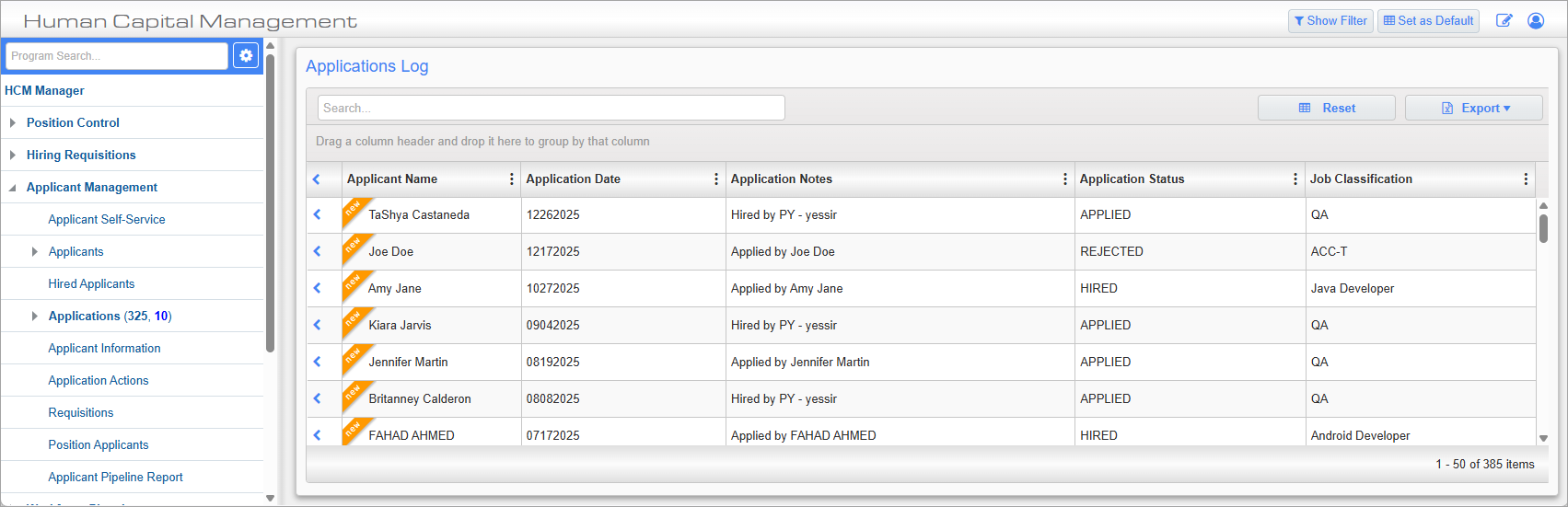
Applications; standard Treeview path: HCM > Application Management > Applications
The Applications screen provides a list of all applications made to the company. The number that appears beside the Applications link in the Treeview is a count of applications that have yet to be viewed. Blue applications are new and ones in black have been modified. Clicking on an application takes the user to the Application History tab of the Applicant screen.
This screen is display only and new applications can’t be added here.