Search Tips
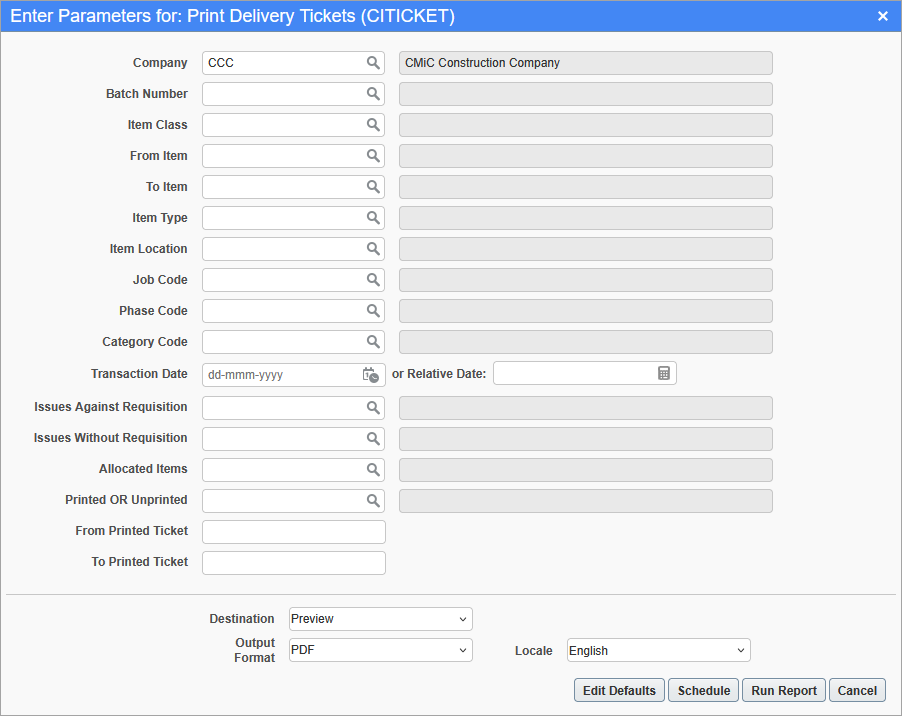
Print Delivery Tickets; standard Treeview path: Inventory > Reports > Print Delivery Tickets
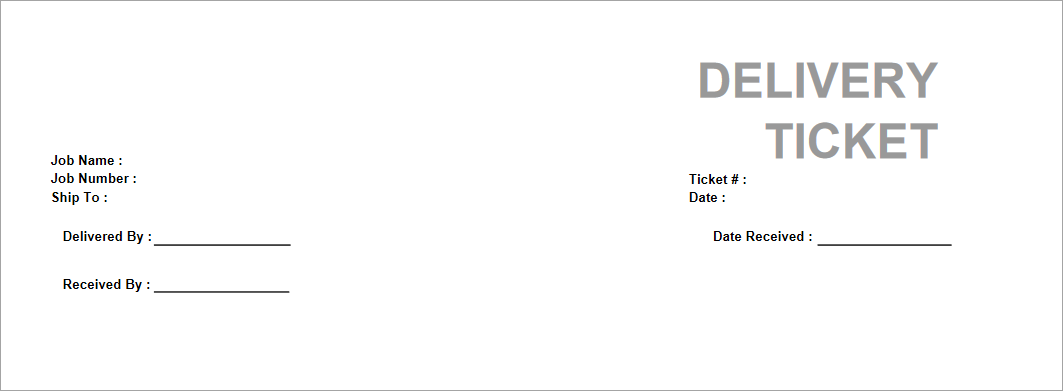
For a selected batch on the Report Parameters pop-up window, this report generates a delivery ticket that includes the job name, job number, ticket number, where to ship to, the date, who it was delivered by, who it was received by, and the date it was received. The report data can be filtered based on the parameters selected in the above pop-up window.
An example is shown below.