 Search Tips
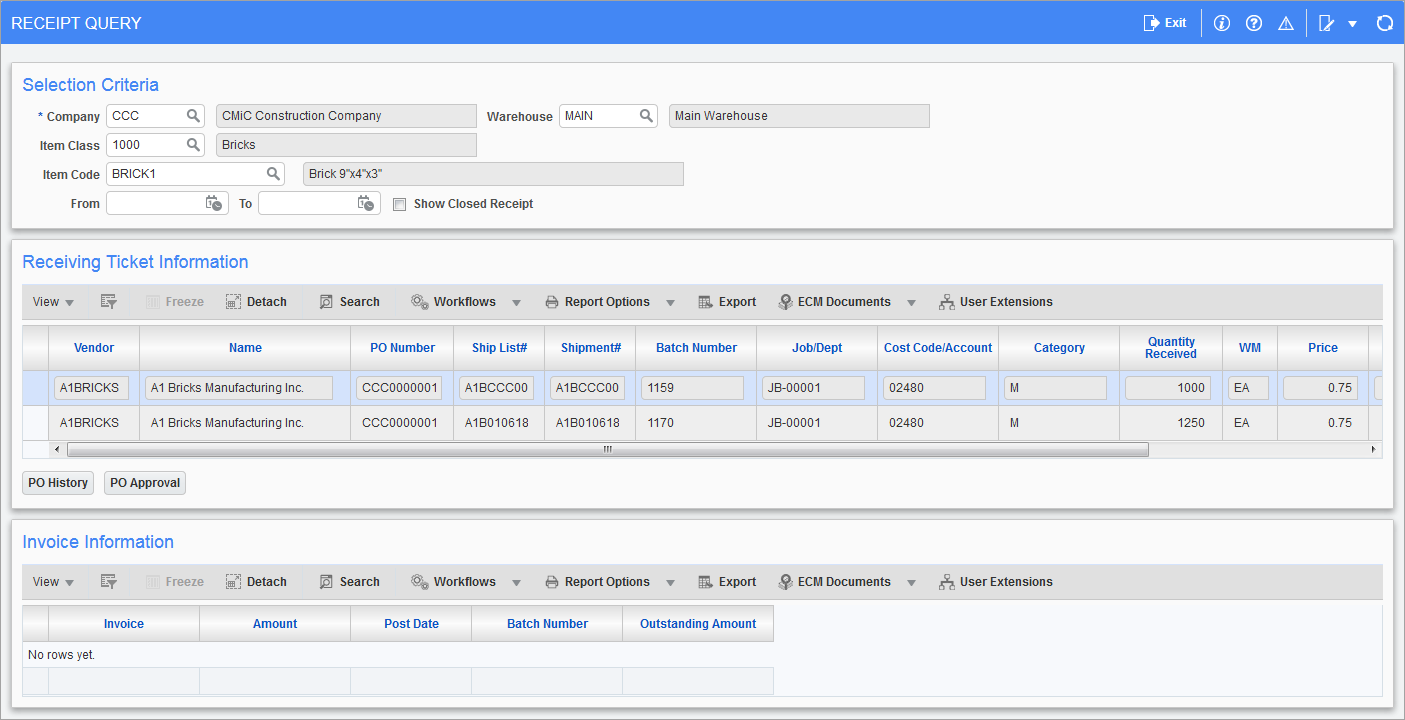
Pgm: CIPORCTQ – Receipt Query; standard Treeview path: Inventory > Queries > Receipt Query
The Receipt Query screen allows users to view the receipts that have been posted in the module. The Selection Criteria section allows users to select the item they wish to view.
The screen will then automatically show all receipts associated with the item in the Receiving Ticket Information section.
NOTE: The Item Code, Item Name, Item Type, Item Type Name, Currency Code, and Receive Date columns are hidden by default and can be added using the Lite Editor if needed.
Users can then view the invoice information of each receipt by scrolling through the list and viewing the details in the Invoice Information section.