Search Tips
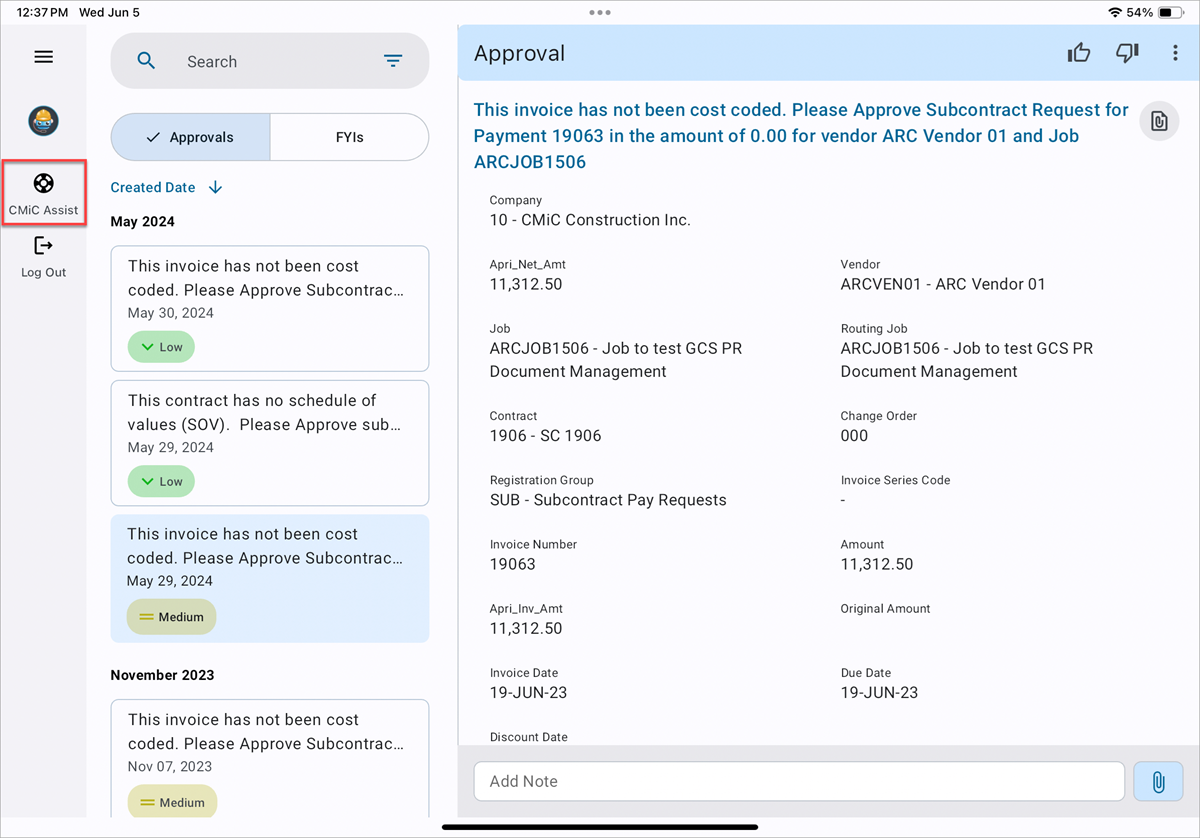
If you need help or wish to provide feedback while using the CMiC mobile application, click on the navigation rail (☰) to view available support options. This helps us identify and address problems promptly, ensuring a better user experience for everyone.
You will see two options for assistance:
-
Find Support – Opens the feedback panel, allowing you to directly communicate with CMiC Support through Instabug.
-
If you encounter any issues or bugs, we encourage you to report them using this option.
-
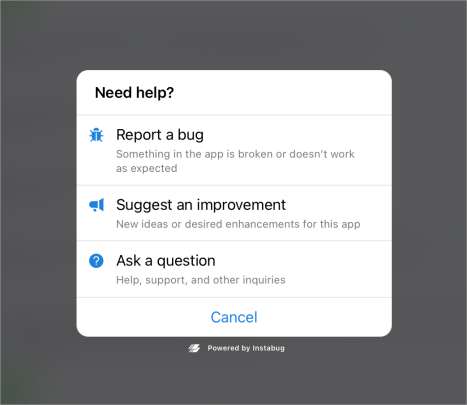
There are three types of reports you can submit:
-
Report a bug
-
Suggest an improvement
-
Ask a question
-
-
-
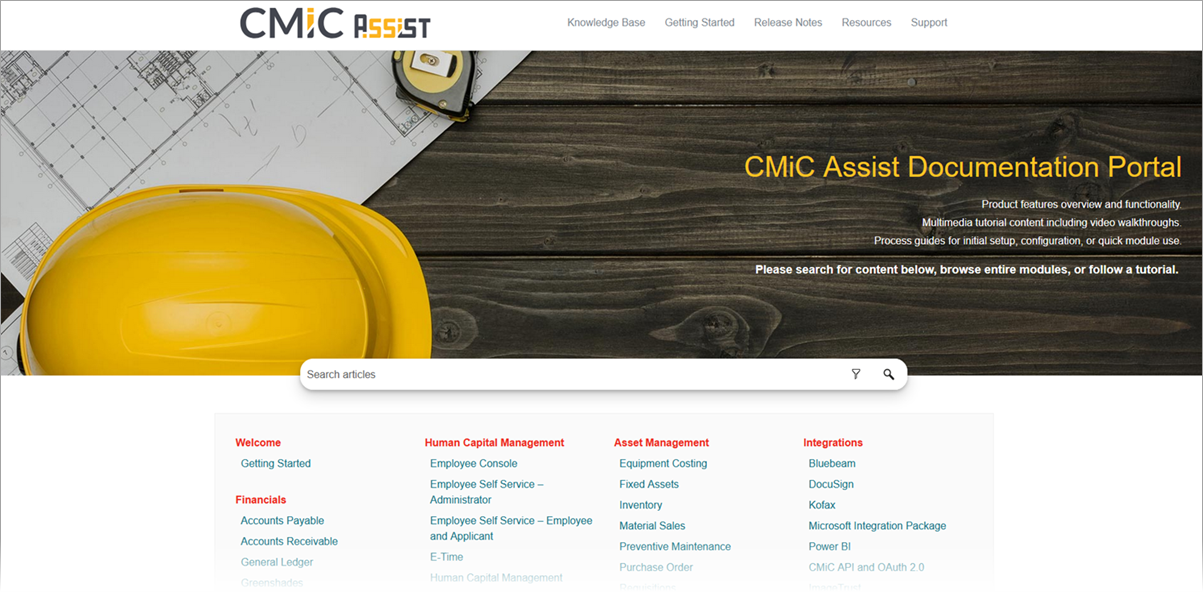
CMiC Assist – Redirects you to the CMiC Assist Documentation Portal, where you can search and explore product guides, release notes, and reference materials across all CMiC applications.